November Special Offer - 5% OFF SITEWIDE!
Use code:
Valid until Nov 30
Windows, Office, Windows Server, Adobe and Autodesk. Delivered by email right away, and a real team helps you activate it, 24/7.






Every category, with how many licenses it has and where prices start.
 Windows21 licenses · from US$7.99
 Office26 licenses · from US$5.99
 Office for Mac2 licenses · from US$108.99
 Project, Visio and Outlook24 licenses · from US$7.99
 Windows Server18 licenses · from US$44.99
 SQL Server5 licenses · from US$84.00
 Visual Studio6 licenses · from US$39.99
 Volume licenses (MAK)6 licenses · from US$190.00
 Adobe5 licenses · from US$39.00
 Autodesk8 licenses · from US$24.00
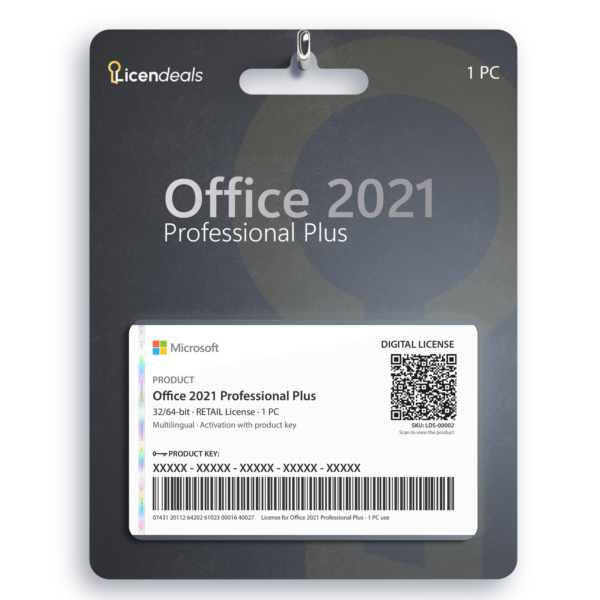
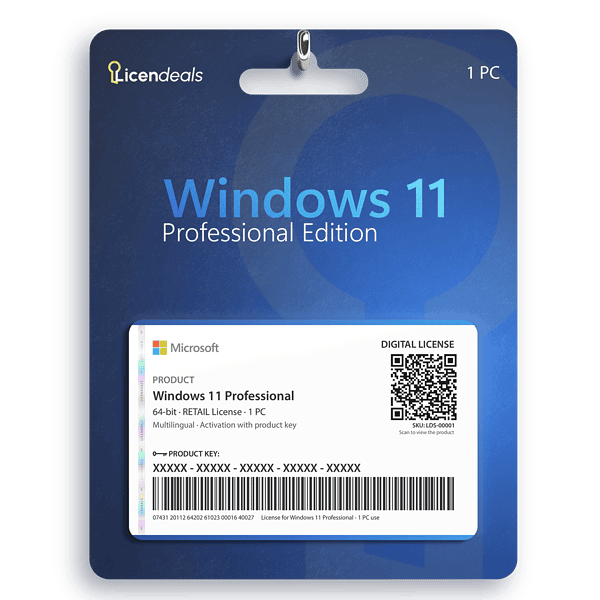
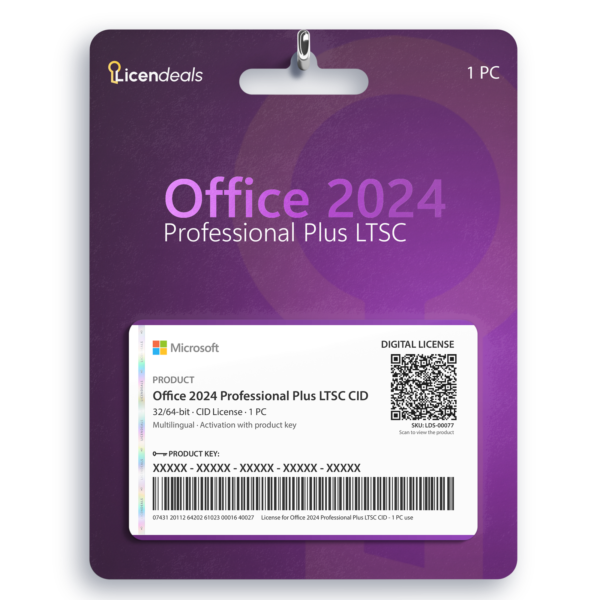
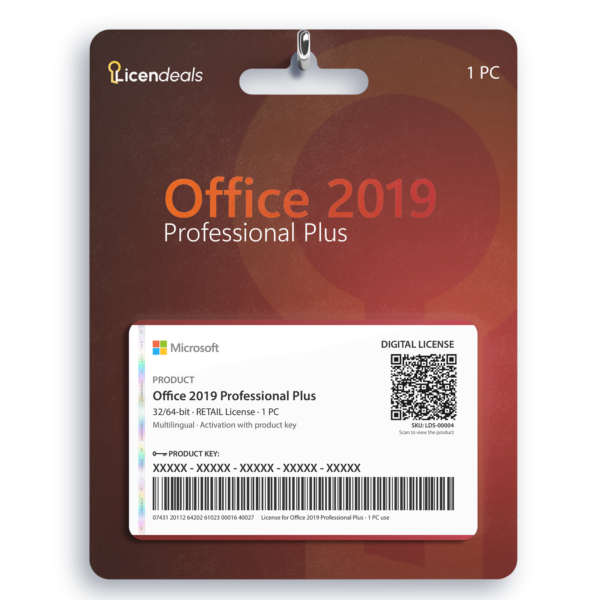
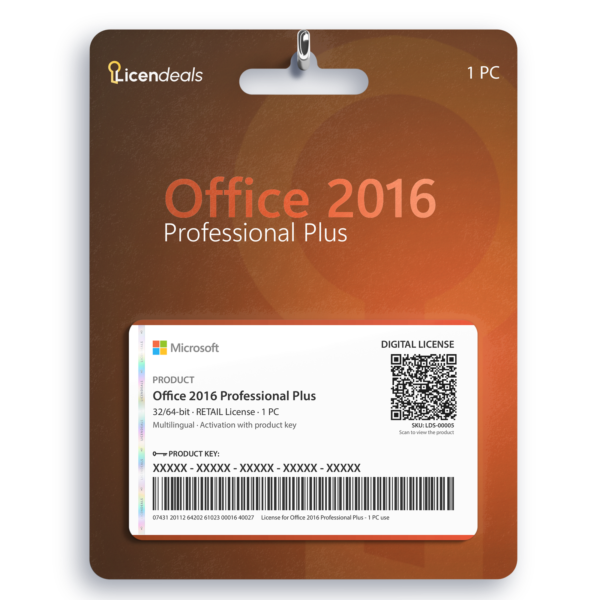


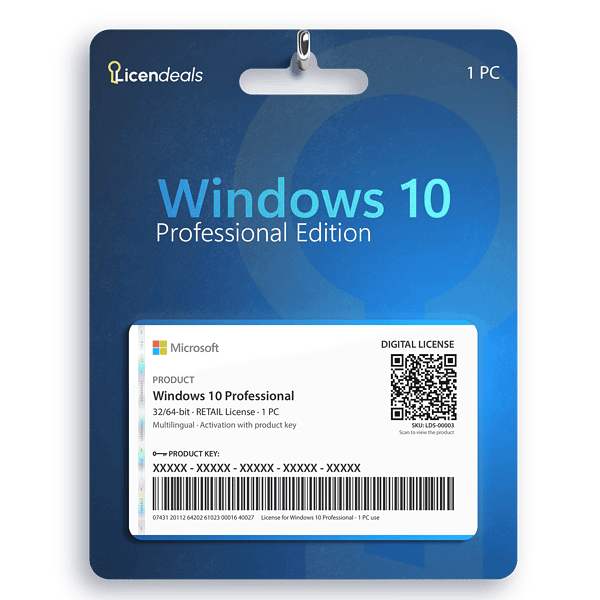
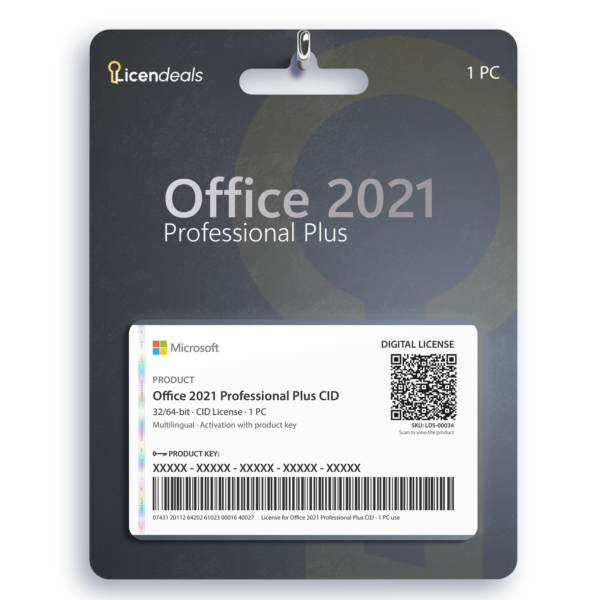
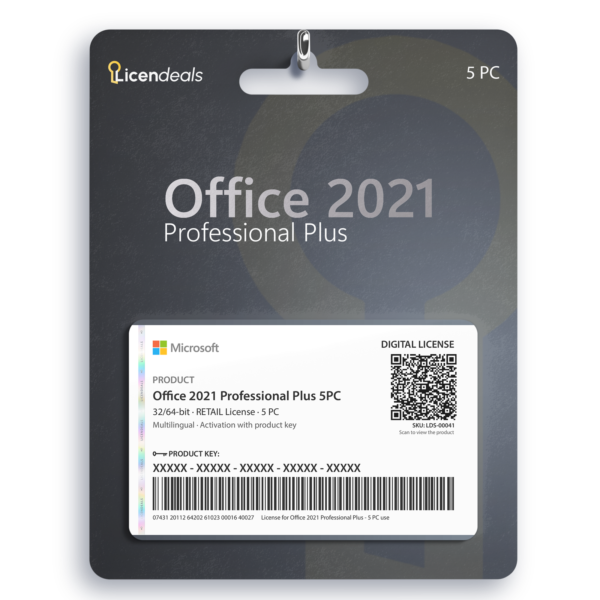


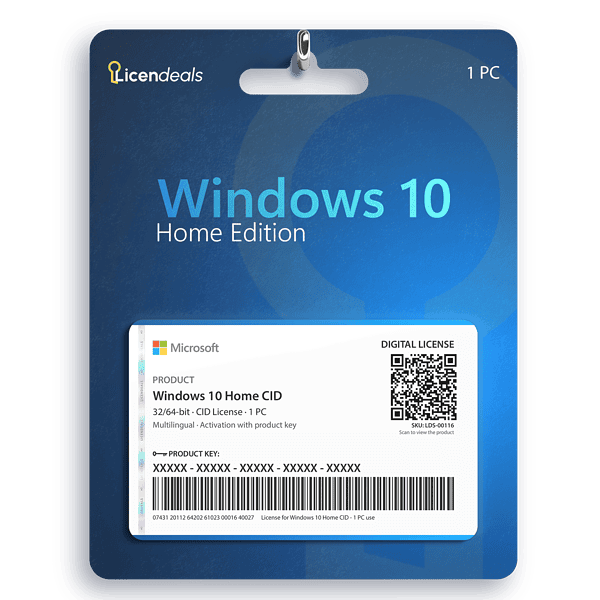


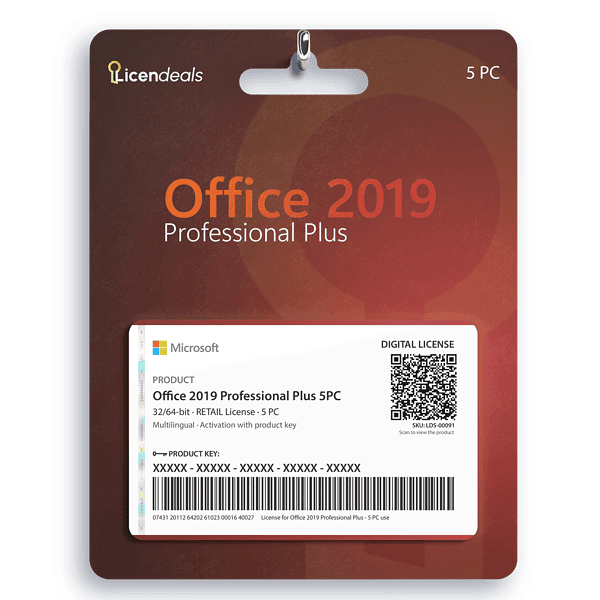
Windows Server and SQL Server, current and previous versions. An invoice with every order, and a formal quote on request.

A new guide every day: step-by-step fixes, how-tos and comparisons.
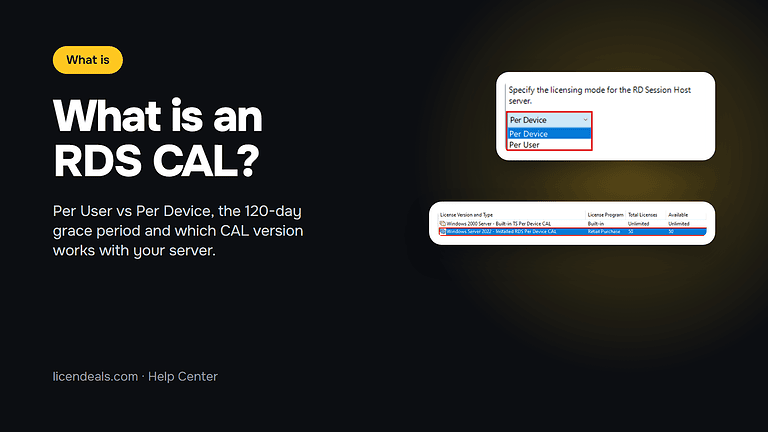
What is an RDS CAL? An RDS CAL (Remote Desktop Services client access license) is the license that lets a user or a device connect to a Remote Desktop Session Host, the Windows Server that runs remote desktops and RemoteApp programs. According to Microsoft, each user and device that connects to a session host needs one. Below we explain how RDS CALs work, the two types, the 120-day grace period and which CAL version works with which server, with screenshots from our own Windows Server 2022 test server.
Continue readingServer Core vs Desktop Experience: these are the two ways to install Windows Server Standard or Datacenter, and you choose one in the setup wizard before the first file is copied. Server Core has no desktop and you manage it from the command line or from another computer. Desktop Experience installs the familiar Windows graphical interface. Below we explain what Microsoft says about each option, show where you choose it in setup with screenshots from our own Windows Server 2022 test server, and cover the rule that matters most: you can't switch later without reinstalling.
Continue readingHow to activate Windows 11 with a product key: open Settings, go to System, then Activation, select Change product key and type your 25-character key. Windows checks it online and, if it's valid, activates Windows. This guide shows every step with screenshots from our own Windows 11 Pro test computer, how to check the result and what to do if the key doesn't work.
Continue reading{n} from {l} bought
{n} bought
Someone from {l} bought
Someone bought
Just now
1 minute ago
2 minutes ago
1 hour ago
2 hours ago
1 day ago
2 days ago
Close




 Office for PC
 Office for Mac
 Windows Server
 SQL Server
 Office Apps
 Visual Studio


