October Special Offer - 5% OFF SITEWIDE!
Use code:

 Microsoft Solutions PartnerAuthorized reseller of genuine licenses
 WordCreate, edit and share documents.
 ExcelSpreadsheets to organize, analyze and chart your data.
 PowerPointDesign and deliver presentations.
 OutlookEmail, calendar and contacts in one place.
 OneNoteA digital notebook for notes, ideas and lists.
License Type: CID CID LicenseActivates with a Confirmation ID through Microsoft's activation portal. It takes a few minutes and we guide you step by step.





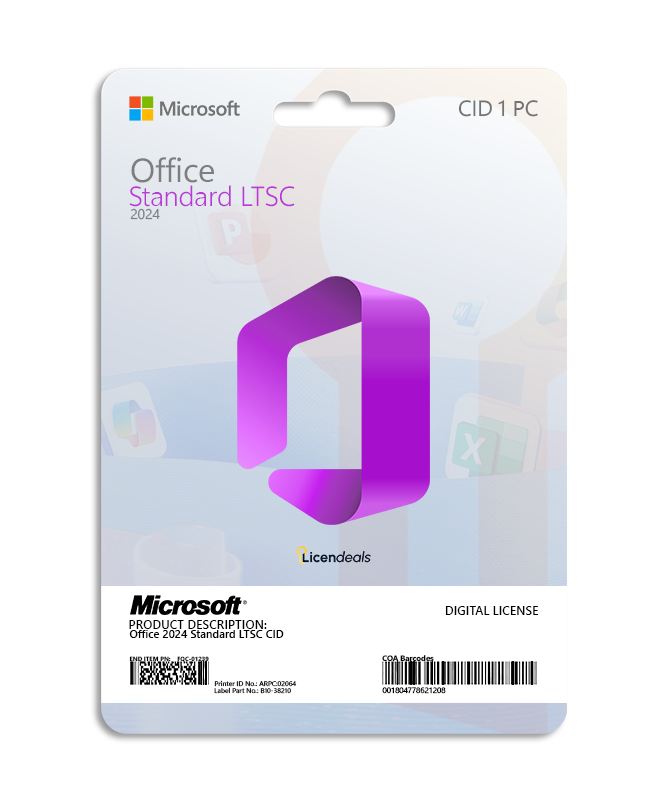
This license allows you to activate Office 2024 Standard LTSC on your PC. Buy now and we’ll instantly send your Office 2024 Standard LTSC product key to your email. This is a one-time license and the activation key is only valid for installation on 1 PC. This license can only be used once to activate Office 2024.
Office 2024 Standard LTSC product key gives you the possibility to activate the software anywhere in the world; you can activate the software on your home or office computers. We offer affordable pricing and a lifetime warranty on the computer where you activate the license.
IMPORTANT: View the Office 2024 Standard LTSC CID activation guide by clicking HERE.
| Operating system | Windows 11 Windows 10 (supported with limits since October 14, 2025) Windows 10 LTSC 2019 or 2021, or Windows Server 2022 or 2025 (Windows Server 2019 is not supported) |
|---|---|
| License for | 1 User |
| Processor | 1.1 GHz or faster, 2-core |
| Architecture | 64 Bit or 32 Bit |
| Memory (RAM) | 4 GB |
| Disk space | 4 GB |
| Display | 1280 x 768 or higher (64-bit Office required for 4K and higher) |
| Graphics | Direct3D 9.1 or higher graphics adapter with a WDDM 1.3 or higher driver, for graphics hardware acceleration |
| Connectivity | Internet access |
| Brand | Microsoft |
|---|---|
| Format | Perpetual digital license |
| Updates | Security updates from Microsoft until October 9, 2029 |
| Platform | Office 2024 |
| License type | CID |
| Compatibility | 32-bit and 64-bit |
| Users supported | 1 User per license |
| Activation available in | Worldwide |
| Estimated delivery time | Immediate delivery |
| Language | Available in all languages (it is possible to change language settings after installation; additional language packs are also available to be downloaded and installed separately) |
| Works on | Windows OS |
| Devices | 1 PC |
| Warranty | Lifetime warranty on the computer where you activate it |
| Authenticity | Genuine software |
IMPORTANT: All files we provide are free of viruses or malicious software.
Activate Office 2024 Standard LTSC using a product key
Before using the license, please note:
1. We recommend uninstalling any version of Office to avoid license conflicts.
1.1. Go to: Control Panel > Programs and Features > Uninstall.
2. Restart your computer.
If you encounter any activation errors, please do not hesitate to contact us via our Online Chat or WhatsApp. We are online 24/7, ready to help you.
Step 1: Download
1. Download Office 2024 Standard LTSC by clicking HERE or use the link provided in your purchase.
Step 2: Install
1. Once the .iso file has downloaded, double-click it. Windows opens it as a DVD drive.
2. Double-click “Install Office 2024 Standard”, click “Run” and then “Yes”. Office is downloaded from Microsoft in the same language as your Windows.
3. Wait for the installation to display the “You’re all set!” message.
Step 3: Activate
1. Start activation: Open any Office application (e.g., Word), select the option “I want to activate the software by telephone,” and click Next.
2. Get your code: The screen will display a 63-digit code called the Installation ID. Keep it handy.
3. Go to the website: Visit the official Microsoft activation page and sign in with your Microsoft account.
4. Register the product: Select Microsoft Office, choose your operating system, and select the Office 2024 version.
5. Generate confirmation: Enter your Installation ID on the website and click Submit to generate your Confirmation ID.
6. Activate Office: Return to your Office window, enter the Confirmation ID provided by the website, and click Next.
See the complete and detailed guide in our Help Center by clicking HERE
In stock


No account yet?
Create an Account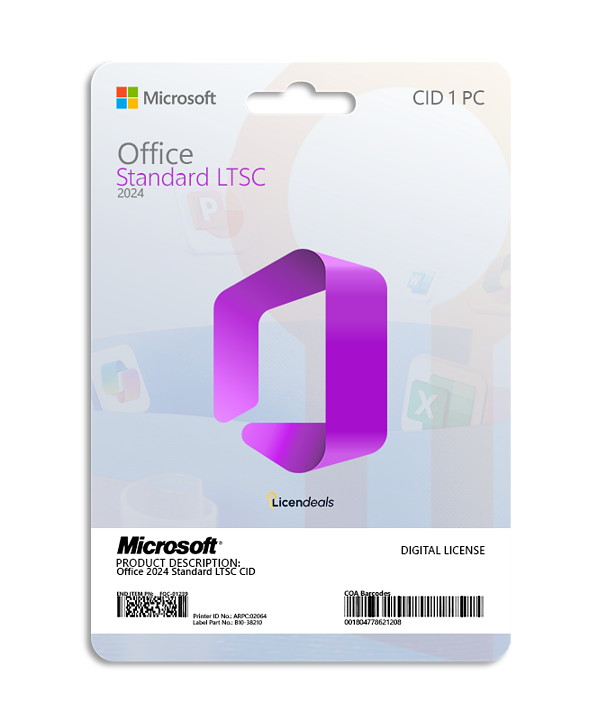





 Windows
 Office for PC
 Office for Mac
 Windows Server
 SQL Server
 Office Apps
 Visual Studio

Reviews
Clear filtersThere are no reviews yet.