October Special Offer - 5% OFF SITEWIDE!
Use code:
Valid until Oct 31

 Genuine software, guaranteedDelivered by email, with 24/7 support.
 WordCreate, edit and share documents.
 ExcelSpreadsheets to organize, analyze and chart your data.
 PowerPointDesign and deliver presentations.
 OutlookEmail, calendar and contacts in one place.
 AccessBuild databases and simple business apps.
 OneNoteA digital notebook for notes, ideas and lists.
 PublisherLay out flyers, brochures and newsletters.
License Type: CID CID LicenseActivates with a Confirmation ID through Microsoft's activation portal. It takes a few minutes and we guide you step by step. Learn more about CID Licenses





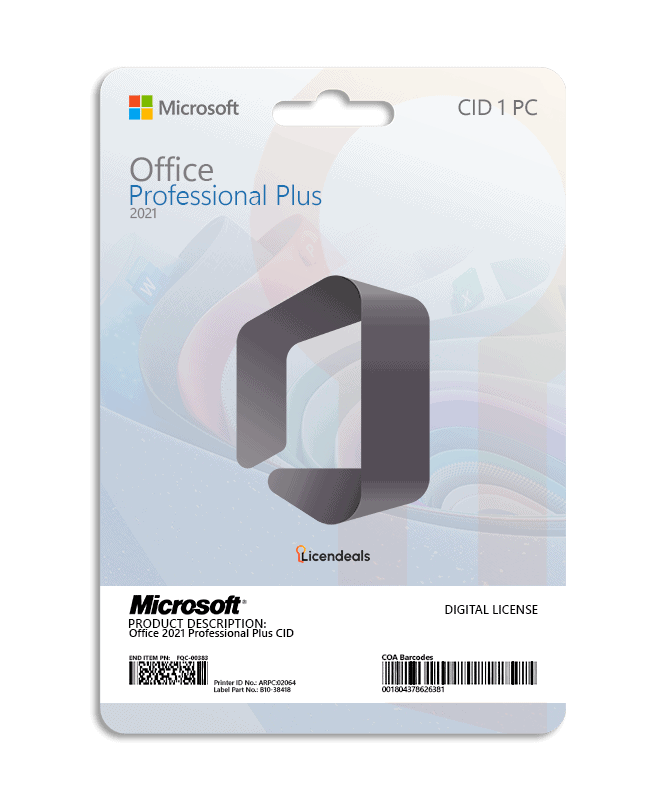
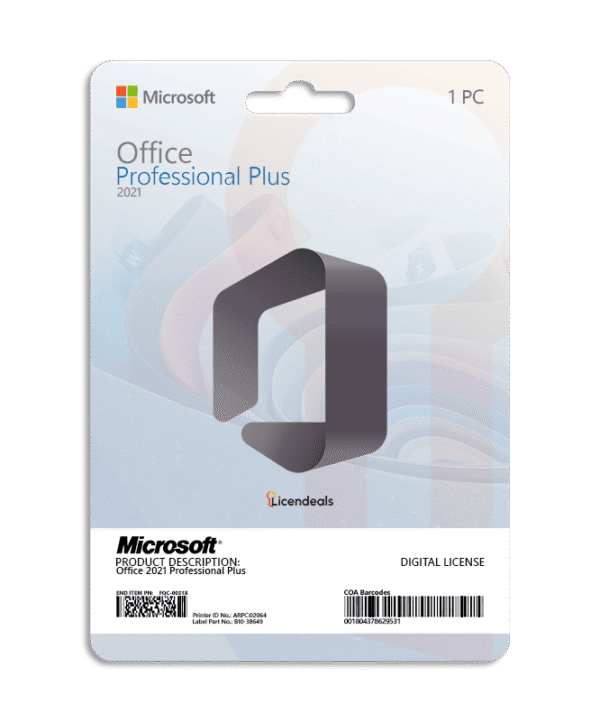
This license allows you to activate Office 2021 Professional Plus on your PC. Buy now and your Office 2021 Professional Plus product key is delivered by email. This is a one-time license and the activation key is only valid for installation on 1 PC. This license can only be used once to activate Office 2021.
Office 2021 Professional Plus product key gives you the possibility to activate the software anywhere in the world; you can activate the software on your home or office computers. We offer affordable pricing and a lifetime warranty on the computer where you activate the license.
IMPORTANT: View the Office 2021 Professional Plus CID activation guide by clicking HERE.
Activate Office 2021 Professional Plus using a product key
Before using the license, please note:
1. We recommend uninstalling any version of Office, including Office 365, to avoid license conflicts. Follow this guide.
2. Restart your computer.
3. You only need an internet connection: the activation is done on Microsoft's official website.
If you encounter any activation errors, please do not hesitate to contact us via our Online Chat or WhatsApp. We are online 24/7, ready to help you.
Step 1: Download
1. Download Office 2021 Professional Plus (32/64-bit, English) directly from Microsoft by clicking HERE.
Step 2: Install
1. Once the .img or .iso file has downloaded, right-click on it and select Mount (or double-click in Windows 10/11).
2. Inside the folder, locate and run the Setup.exe file.
3. Wait until the installation finishes. It usually takes 10 to 15 minutes.
Step 3: Activate
1. Enter your key: Open any Office application (e.g., Word or Excel), enter your license key, click Activate and accept the license terms.
2. Start activation: Select the option “I want to activate the software by telephone,” and click Next.
3. Get your code: The screen will display a 63-digit code called the Installation ID. Keep it handy. Tip: take a screenshot and use our Installation ID Extractor to copy it without errors.
4. Go to the website: Visit the official Microsoft activation page and sign in with your Microsoft account.
5. Register the product: Select Microsoft Office, choose your operating system, and select the Office 2021 version.
6. Generate confirmation: Enter your Installation ID on the website and click Submit to generate your Confirmation ID. If the website asks on how many devices the product is installed, enter 1.
7. Activate Office: Return to your Office window, enter the Confirmation ID provided by the website, and click Next.
If an error appears on the Microsoft website, switch to another network (for example, your phone's hotspot) and try again.
See the complete and detailed guide in our Help Center by clicking HERE
Official download from Microsoft
These links download the installer directly from Microsoft's servers (officecdn.microsoft.com). We don't host or change these files.
The file is a disc image (.img) of 4 to 5 GB with the 32-bit and 64-bit versions. Double-click it to open it, run Setup and then activate with your license key.
Choose your language:
| Operating system | Windows 11 Windows 10 (supported with limits since October 14, 2025) Windows 10 LTSC 2019 or 2021, or Windows Server 2019, 2022 or 2025 |
|---|---|
| License for | 1 User |
| Processor | 1.1 GHz or faster, 2-core |
| Architecture | 64 Bit or 32 Bit |
| Memory (RAM) | 4 GB |
| Disk space | 4 GB |
| Display | 1280 x 768 or higher (64-bit Office required for 4K and higher) |
| Graphics | DirectX 9 or later for graphics hardware acceleration |
| Connectivity | Internet access |
| Brand | Microsoft |
|---|---|
| Format | Perpetual digital license |
| Updates | No longer updated by Microsoft (support ended on October 13, 2026) |
| Platform | Office 2021 |
| License type | CID |
| Compatibility | 32-bit and 64-bit |
| Users supported | 1 User per license |
| Activation available in | Worldwide |
| Delivery | Delivered by email |
| Language | Available in all languages (it is possible to change language settings after installation; additional language packs are also available to be downloaded and installed separately) |
| Works on | Windows OS |
| Devices | 1 PC |
| Warranty | Lifetime warranty on the computer where you activate it |
| Authenticity | Genuine software |









 Office for PC
 Office for Mac
 Windows Server
 SQL Server
 Office Apps
 Visual Studio
Eric Bennett –
Great option for saving money and getting legal software.
Mark Stanton –
Everything was perfect, I activated it on the first try.
Scarlett Turner –
Support team helped me activate my product quickly.
Serena Cross –
Top-tier customer support. They made everything simple for me.
Phoebe Harmon –
Perfect customer care. They answered all my questions instantly.
Ayumi Nishida –
The process was easy and straightforward. My key arrived fast, and the support team provided excellent guidance when I needed help.
Iván Gutiérrez –
The support team was amazing. The license was delivered instantly, and they helped me activate it step by step.
Mark Cox –
Purchasing the license was fast, and the website was easy to navigate. Activation went without any problems, making the experience very satisfying.
Kenji Tanaka –
Purchasing was quick, secure, and simple. Setup was effortless, and the software ran perfectly immediately.