Adobe Creative Cloud All Apps – Premium Subscription
PURCHASE THE ACCOUNT OR LICENSE OF ADOBE CREATIVE CLOUD ALL APPS AND RECEIVE IT IN MINUTES. ALL OUR PRODUCTS INCLUDE WARRANTY AND TECHNICAL SUPPORT!
Unleash Your Creativity: The Ultimate Adobe Creative Cloud Pass
Your all-access ticket to the entire Adobe universe – for a fraction of the price. Choose your adventure: 1, 3 or 12 Months.
STOP PAYING SO MUCH MONEY
- CRUSH Creative Costs: Ditch the $50+/month fee. Get instant, legal access to all 20+ Adobe apps for less.
- Total Creative Freedom: From photo & video editing to graphic design & UX/UI – the entire professional toolkit is yours.
- Global & Flexible: Works worldwide on PC, Mac, iOS, & Android. Use it online or offline.
- Instant Activation: Activated account within minutes, not days.
- You are allowed to log in on up to 1 DEVICE simultaneously.
YOUR PREMIUM SUBSCRIPTION INCLUDES:
- The Complete Adobe Suite: ALL APPLICATIONS UNLOCKED.
- Design & Photo: Photoshop, Illustrator, InDesign, Lightroom.
- Video & Motion: Premiere Pro, After Effects, Media Encoder.
- Audio & More: Audition, Acrobat Pro, XD, Animate, and all the rest.
- Powerful AI Tools: Access to generative AI features like Firefly in Photoshop.
- Massive Cloud Storage: 100GB+ for your projects, assets, and backups.
- Constant Updates: Always stay up-to-date with the latest features, fonts, and stock assets
Countries where Adobe products are banned: Russia, Cuba, North Korea, Belarus, Syria, Criem and China.
• Operating system: Windows 10 (64-bit), version 20H2 or higher - MacOS version 10.12 or higher.
• License for: 1 User
• Processor: 1.6 GHz or faster
• GPU: Minimum 2 GB of GPU memory.
• Architecture: 64 Bit or 32 Bit
• Minimum RAM: 8 GB
• Minimum HDD: 6 GB
• Brand: Adobe
• Format: Premium subscription - License / Account
• Updates: Permanent updates
• Platform: Adobe Creative Cloud
• Account Type: Subscription
• Compatibility: 32-bit and 64-bit
• Users supported: 1 User per license / account
• Activation available in: Worldwide
• Estimated delivery time: IMMEDIATE DELIVERY
• Language: Available in all languages (it is possible to change language settings after installation; additional language packs are also available to be downloaded and installed separately)
LICENSE - To start using Adobe services, please follow these instructions:
- Go to https://redeem.adobe.com/
- Sign in or create a new Adobe ID.
- Enter the key we send you.
- Click on “Activate Membership”.
- Accept Adobe's terms and conditions
- Download and install the software via the Adobe Creative Cloud App.
- Enjoy Adobe applications.
IMPORTANT: Use for 1 DEVICE PER 1 ACCOUNT. (You can install Adobe applications on multiple computers, activate them (sign in) on two computers, but only use them on one computer at a time. To activate the application on a third computer, you must first deactivate (sign out) one of the two current computers.)
The download is provided by Adobe.

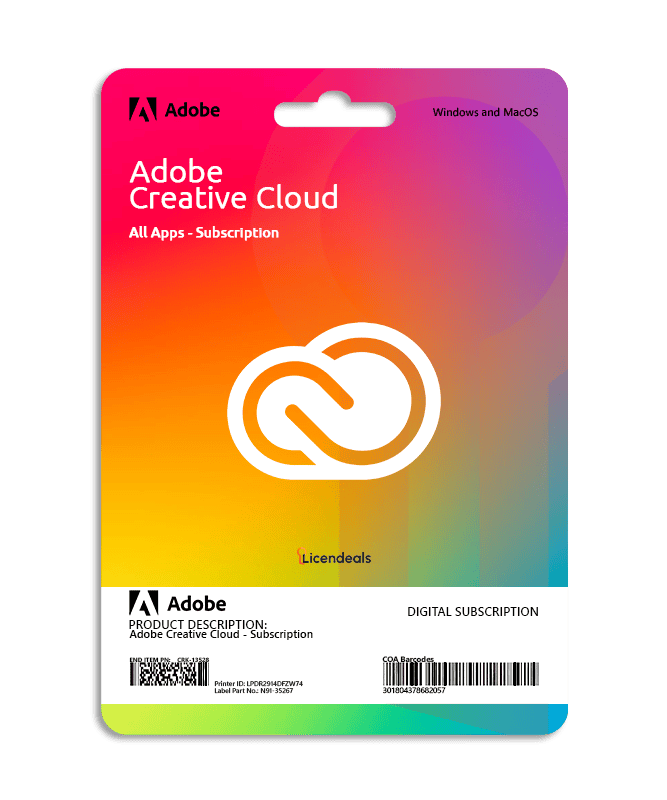

 Works on Windows and MacOS
 24
People watching this product now!
24
People watching this product now!




 Windows
 Office for PC
 Office for Mac
 Windows Server
 SQL Server
 Office Apps
 Visual Studio

Ryan Carter –
Excellent service and fully functional licenses.
Josephine Kerr –
The accounts work perfectly; I recommend the website.
Liam Anderson –
Bought a license and received it within minutes, amazing
Savannah Hayes –
Affordable, reliable, and very fast service.
Kaitlyn Marsh –
I was surprised how fast everything worked. Amazing product and outstanding customer care!
Isla Barrett –
Fast delivery, perfect installation, and kind support agents.
Naledi Mokoena –
Great experience from start to finish. Fast delivery, accurate instructions, and a support team willing to help at any moment. Very reliable.
Connor Walsh –
Very professional service. The license came right away, and support was knowledgeable and supportive throughout the process.
Scarlett Edwards –
Everything was clear, concise, and fast. I had my license running perfectly without any complications.
Angela Reynolds –
The website made the buying process very simple and fast. Activation went smoothly, and I had everything up and running in no time.
Anya Petrov –
The website is very intuitive, and the purchase process was simple. Activation went perfectly, and the software worked immediately.
Oliver Grant –
I appreciate the speed of response from the support, the installation was simple and customer service was available.
Katarina Jovanovic –
I had no concerns, license arrived immediately, installation was smooth, and customer support assisted.
Cody Barnes –
The process was easy from start to finish. The interface is intuitive, and support replied quickly.
Liam O’Connor –
I encountered an unexpected activation error that I couldn’t understand. The support team patiently reviewed the details with me and provided a clear solution. Thanks to their dedication, everything was resolved in less than an hour.
Pedro Ramirez –
A delay made me think the activation had failed. Support checked the system and confirmed that it had actually completed successfully.