How to
Step-by-step guides to install and activate Windows, Office, Windows Server, Visual Studio, Adobe and Autodesk, with screenshots at every step. Find your product, follow the numbered steps and contact us if something doesn’t match your screen.
To install RDS CALs on Windows Server 2022 or 2025, you add the Remote Desktop Licensing role, activ...
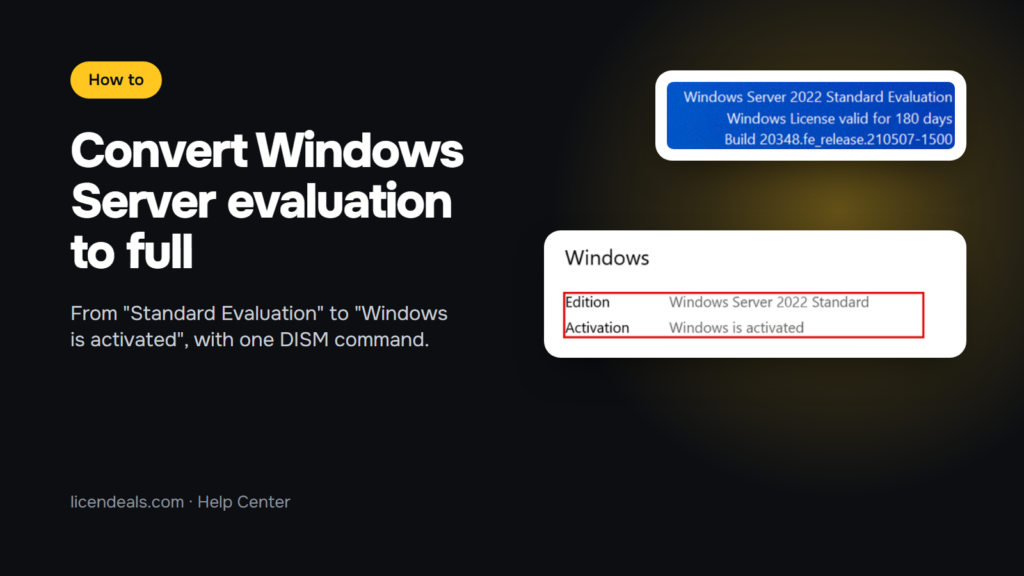
How to Convert Windows Server Evaluation to a Full License
To convert Windows Server evaluation to a full license, you don't need to reinstall: open Command Pr...
How to Install Windows Server 2022 and Activate It with a Product Key
To install Windows Server 2022 and activate it, start your server from the installation media, choos...
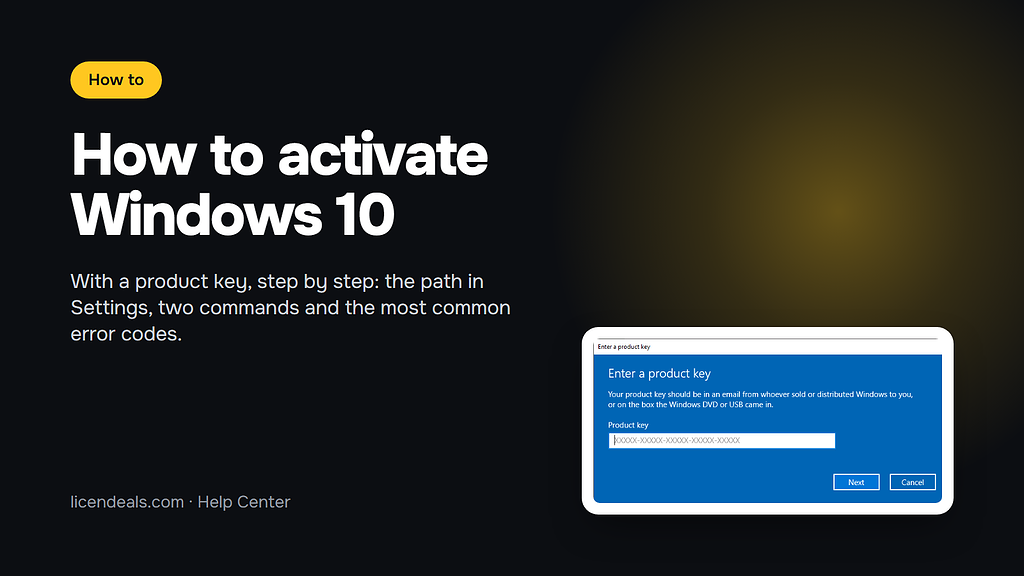
How to Activate Windows 10 with a Product Key (Step by Step)
Do you need to activate Windows 10 with a product key? The whole process takes a few minutes and hap...
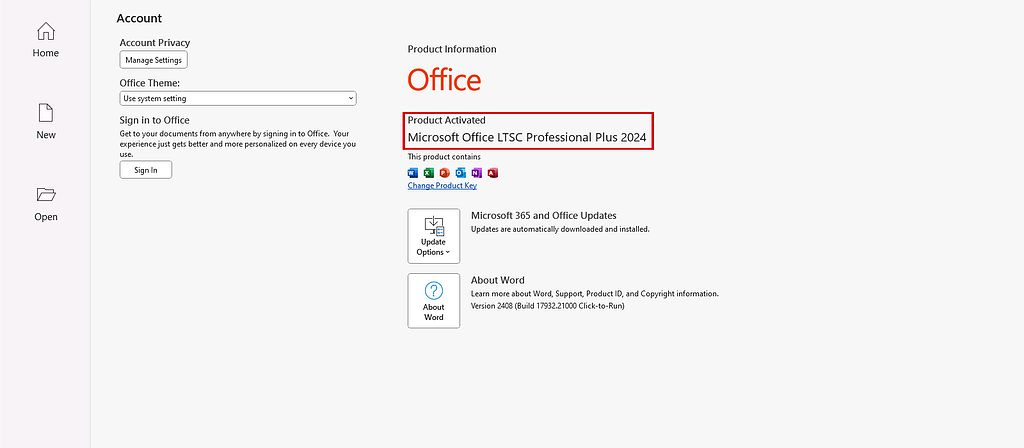
How to Install and Activate Office 2024 Professional Plus LTSC (MAK)
IMPORTANT: To ensure a successful installation of the one-time purchase version of Office, we recomm...
How to Upgrade Windows 11 Home to Pro (Step by Step)
Do you have Windows 11 Home and need the features of Windows 11 Pro, such as BitLocker, Remote Deskt...
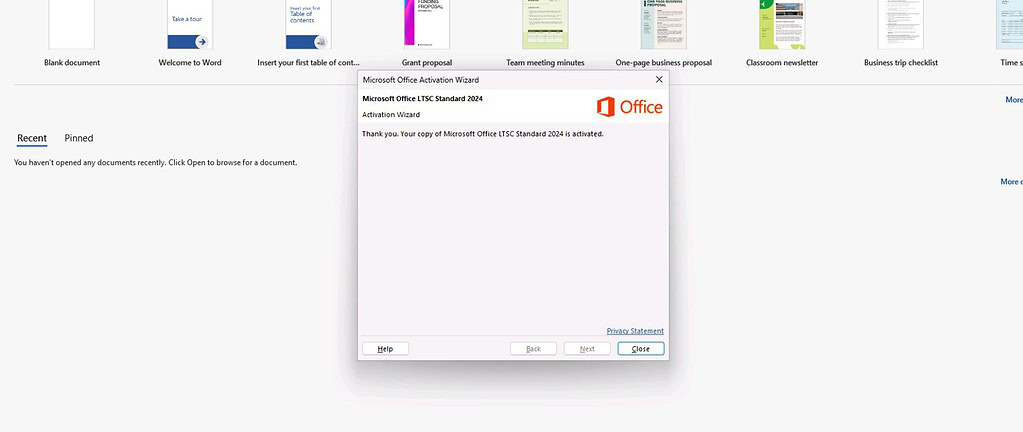
How to Install and Activate Office 2024 Standard LTSC via CID
IMPORTANT: To ensure a successful installation of the one-time purchase version of Office, we recomm...
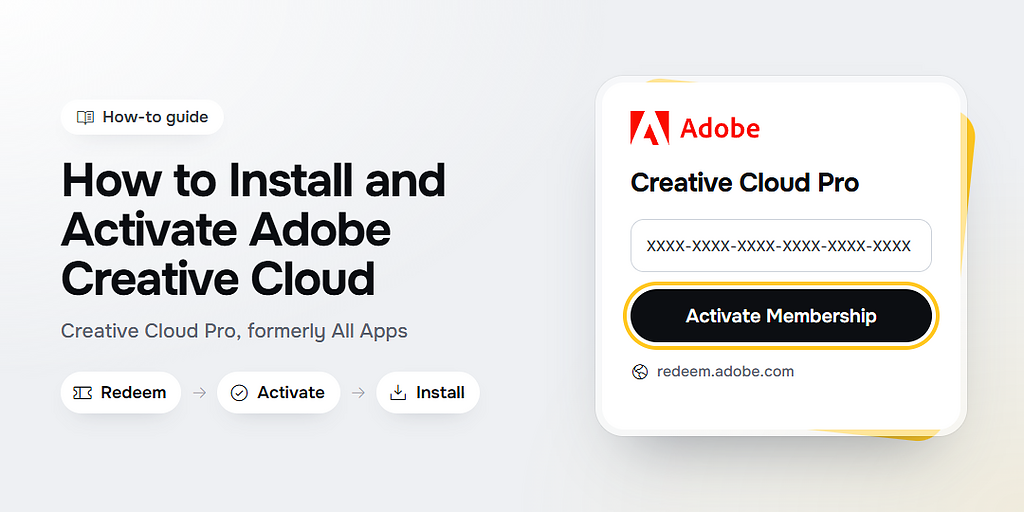
How to Install and Activate Adobe Creative Cloud Pro (Formerly All Apps)
IMPORTANT: Redeem your code only at redeem.adobe.com. Never enter it in the Redeem new code option o...
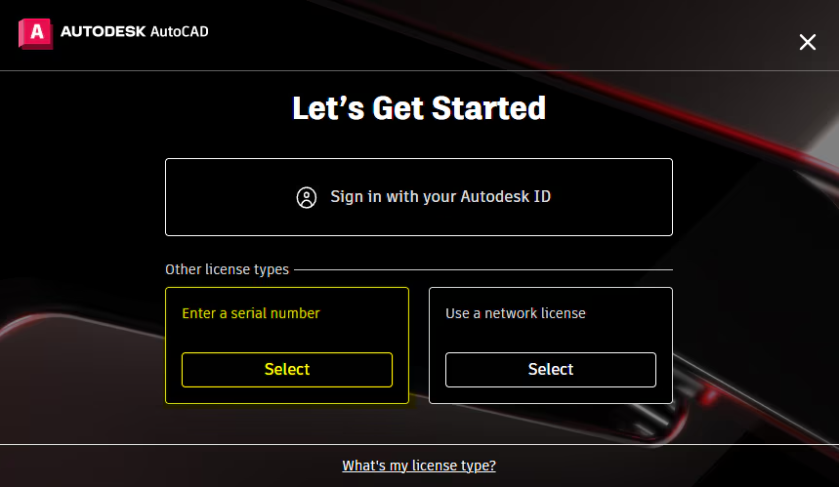
How to Install and Activate Autodesk Products
IMPORTANT: To activate any Autodesk application, you need to have the free version of the program in...
How to Install and Activate Office 2019 Professional Plus via CID
IMPORTANT: To ensure a successful installation of the one-time purchase version of Office, we recomm...