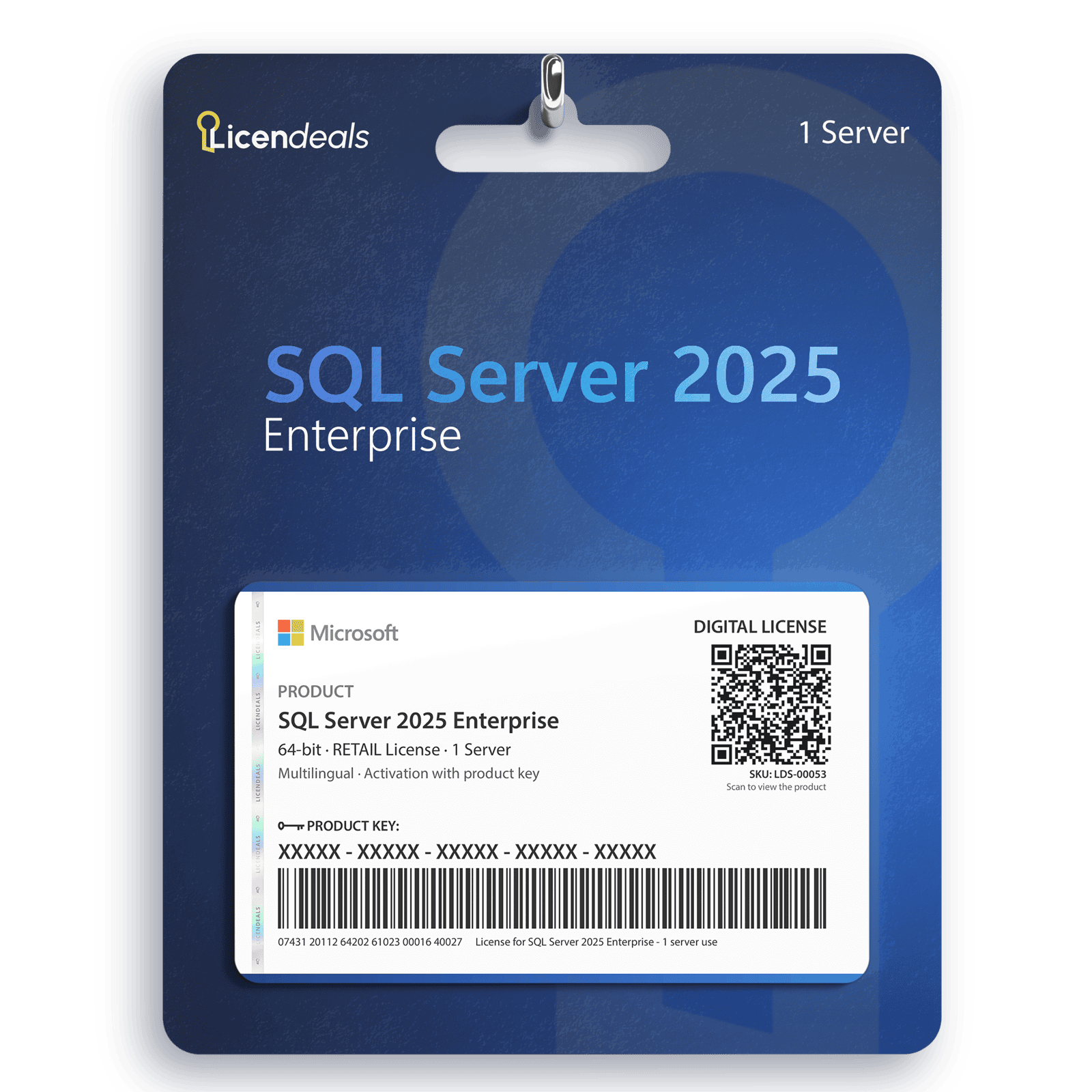
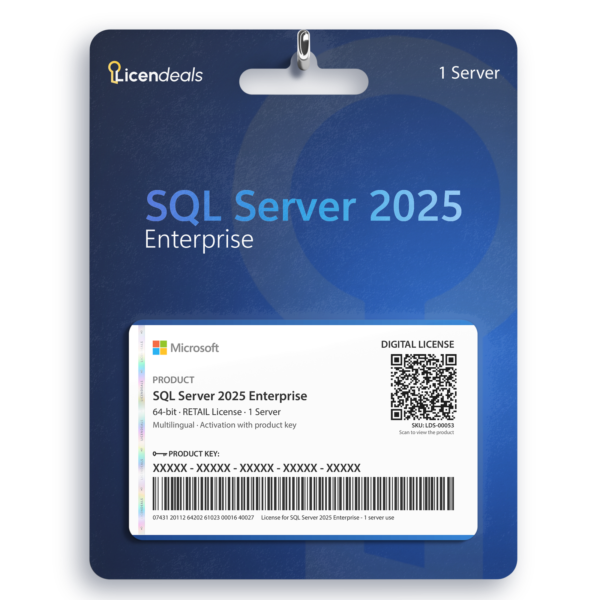
Your SQL Server 2025 Enterprise license key is a RETAIL License for 1 server, and you enter it once. Right after your payment is confirmed, we email you a secure link to your license, and your invoice comes with the order. Lifetime warranty on the computer where you activate it.
Only reveal your license when you are ready to install it.
SQL Server 2025 Enterprise is the top edition of Microsoft’s database engine for the 2025 release. The key activates all cores of your server, so the edition’s compute capacity is not capped by the key.
What is SQL Server Enterprise?
SQL Server Enterprise is the edition for large, demanding or business-critical databases. Microsoft lists no limit on compute capacity and buffer pool memory other than the operating system maximum, and adds high availability and maintenance features that Standard does not have, such as full Always On availability groups and online index operations.
Many small teams run Standard without problems. Enterprise pays off when your workload needs what only Enterprise offers. Compare the two in the next section, or read our SQL Server licensing guide.
SQL Server 2025 Enterprise vs Standard
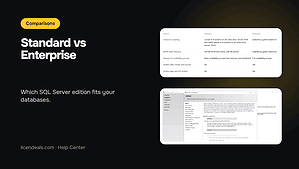
Limits and features per instance of the Database Engine, according to Microsoft:
Feature
Standard
Enterprise
Compute capacity
Lesser of 4 sockets or 24 cores (SQL Server 2019 and 2022); lesser of 4 sockets or 32 cores (SQL Server 2025)
Operating system maximum
Buffer pool memory
128 GB (2019 and 2022); 256 GB (2025)
Operating system maximum
Always On availability groups
Basic availability groups (two replicas, one database)
Choose SQL Server 2025 Standard if its limits and features cover your workload. Choose Enterprise if you need full availability groups, online index operations, or more compute capacity and memory than Standard allows.
What does the SQL Server 2025 Enterprise key activate?
The key activates SQL Server 2025 Enterprise, the edition named on this page, on 1 server. You can activate all cores, the license is multi-language and it has no expiration date. It does not activate Standard or another version.
Microsoft sets the licensing rights of each edition. How SQL Server is licensed (per core, or per server with client access licenses) and what your setup needs are defined in Microsoft’s SQL Server licensing documents: check them for your setup. We explain the basics in our SQL Server licensing guide.
What is new in SQL Server 2025?
SQL Server 2025 is the newest release in the shop. Microsoft lists new AI and developer features, such as a native vector data type and a native JSON data type. Features can differ by edition, so check the edition comparison in Microsoft’s documentation for the exact list that applies to Enterprise.
SQL Server 2025, 2022 or 2019?
Pick the version your application vendor supports, and check the system requirements tab on this page.
Choose Standard if its limits and features cover your workload. Choose Enterprise if you need full Always On availability groups, online index operations, or more compute capacity and memory than Standard allows.
Which SQL Server version should I choose?
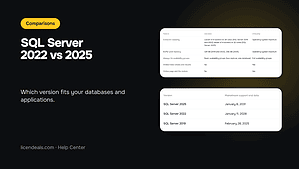
Choose the version your application supports. SQL Server 2025 raises the Standard limits to 32 cores and 256 GB of buffer pool memory per instance (2022: 24 cores and 128 GB).
Does the key activate all cores?
Yes. The key activates all cores of the server. How many core licenses your setup needs is defined by Microsoft’s licensing terms: check them for your setup.
Can I reinstall SQL Server or move the license to another server?
RETAIL Licenses can’t be reused. If you later reinstall the software or the operating system, or change the server’s hardware, that activation can’t be used again, and our warranty doesn’t cover it. Your statutory rights are not affected.
Download SQL Server 2025 from the Microsoft Evaluation Center: the link is in the Download tab.
Install SQL Server. If setup asks for a product key, enter yours.
If you installed the Evaluation edition, open SQL Server Installation Center, go to Maintenance > Edition Upgrade, enter your license key and follow the steps.
Download from the Microsoft Evaluation Center (official website). Microsoft provides SQL Server there as the Evaluation edition: after installing it, you upgrade it to the edition you bought with your license key (SQL Server Installation Center > Maintenance > Edition Upgrade). This works on stand-alone installations, not on failover clusters.
Microsoft asks you to fill in a short form before the download starts.
Then activate it with your license key: the steps are in the How to activate tab.
Operating system
Windows Server 2019, 2022 or 2025 (Desktop Experience or Server Core); not supported on Windows 10 or 11
License for
1 Admin user, 1 Server
Processor
x64 (Intel or AMD), 1.4 GHz or faster; 2.0 GHz or faster recommended
Architecture
64 Bit
Memory (RAM)
1 GB (4 GB or more recommended)
Disk space
6 GB of free space (about 8 GB with all features)
Display
Super-VGA (800 x 600) or higher
Memory (RAM)
4.7.2
Brand
Microsoft
Format
Digital license, one activation per computer
Updates
Security updates from Microsoft until January 6, 2036 (mainstream support until January 6, 2031)
Platform
SQL Server 2025
License type
RETAIL
Compatibility
64-bit
Users supported
1 Admin user, 1 Server
Activation available in
Worldwide
Delivery
Delivered by email
Language
Available in all languages (it is possible to change language settings after installation; additional language packs are also available to be downloaded and installed separately)
Cores
Activate all cores
Devices
1 Server
Expiration
No expiration
Warranty
Lifetime warranty on the computer where you activate it
Bought this from Licendeals? Review it from your order email or My Account. With an account, get 200 Choice Rewards points (US$2) when your review is published with a photo of the activated product, whatever your rating.
Questions about this license
How fast do I get my key?
Right away: we email you a secure link to your license as soon as your payment is confirmed. It also appears in your account.
How long do I have to activate it?
There is no rush: your key waits safely until you reveal it, even months later. Once you reveal it, activate it within 24 hours. Activated in time, it's covered for life, for as long as you use it on the computer where you activated it. RETAIL Licenses activate once per computer: if you later reinstall the software or the operating system, or change the computer's hardware, that activation can't be used again. Warranty details
What if the key does not activate?
Write to us on chat or WhatsApp within 24 hours of revealing your key, and we'll replace it right away.
Can I get a refund?
Yes, within 30 days, as long as you haven't revealed the license. Once it's revealed, it can't be refunded, unless the law of your country requires it, so only reveal it when you're ready to activate it.
We use cookies to keep our store working and to improve it. You can accept or reject the optional ones.
Necessary cookies keep our store working. Optional cookies from Google Analytics, Google Ads and Meta (Facebook and Instagram) show us how our site is used and let us measure and personalise our ads. You can accept or reject them and change your choice later in Cookie settings. Our live chat (tawk.to) is not part of this choice: it runs on our pages whatever you choose, sets its own cookie and shows our team, as you browse, that you are here and which pages you view (how to object). See our Privacy Policy.
Opt-out request honoured: your browser sends a Global Privacy Control signal, so advertising cookies stay off.
Your choices have been saved.
approx.Prices in USDAbout this priceApproximate price, at the {source} rate of {date}.Totals are in US dollars (USD). If you pay in another currency or in crypto, the payment provider converts the total at its own rate and normally shows you the amount before you pay.CurrencyLanguageSearch languagesSearch currenciesNo resultsEuropean Central BankBanco de la República de ColombiaBanco Central de Costa Rica
 Genuine software, guaranteedDelivered by email, with 24/7 support.

 SQL Server











 Office for PC
 Office for Mac
 Windows Server
 SQL Server
 Office Apps
 Visual Studio


Aya Sato –
A minor software conflict appeared during setup. Support helped adjust the configuration so everything worked properly.
Reply
Megan Foster –
I appreciate the speed and clarity of this platform. The interface is intuitive, and support responds almost immediately.
Reply
Paul Simmons –
This site makes digital license purchases simple. The interface is intuitive, and customer support is fast.
Reply
Natalie Evans –
Everything went right, license delivery was instant, installation was simple, and customer support replied.
Reply
Nina Kowalczyk –
The purchase process was fast, license arrived instantly, installation went smoothly, and customer support was helpful.
Reply
Elisa Romano –
The checkout process was efficient and quick. My license activated perfectly, and I could start using the software right away.
Reply
Caleb West –
I appreciated how fast and efficient the website is. My license activated perfectly, and I could start using the software right away.
Reply