November Special Offer - 5% OFF SITEWIDE!
Use code:
Valid until Nov 30
 Genuine software, guaranteedDelivered by email, with 24/7 support.
 Windows 10
License Type: CID CID LicenseActivates with a Confirmation ID through Microsoft's activation portal. It takes a few minutes and we guide you step by step. Learn more about CID Licenses





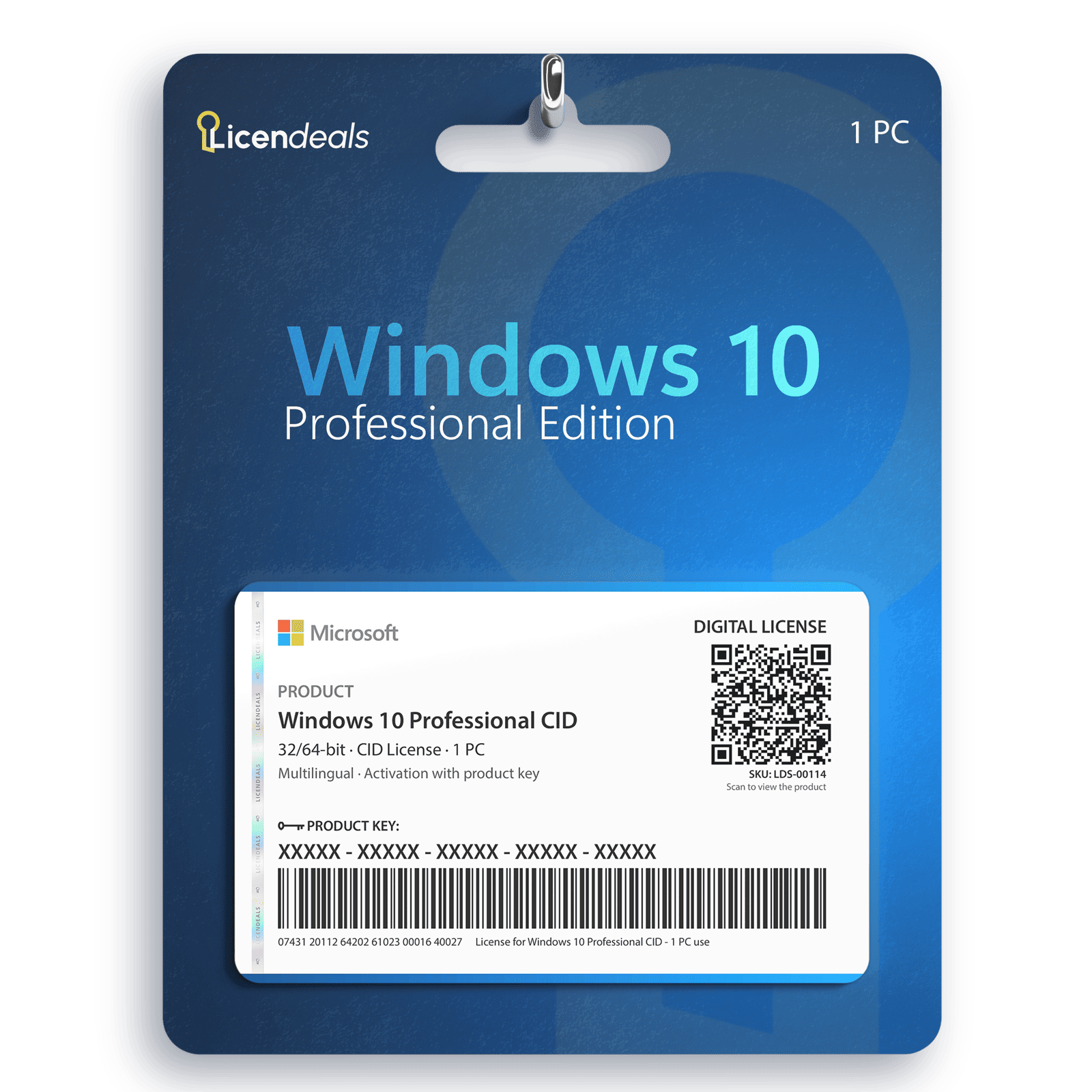
This license allows you to activate Windows 10 Professional on your PC. Buy now and your Windows 10 Professional product key is delivered by email. This is a one-time license and the activation key is only valid for installation on 1 PC. This license can only be used once to activate Windows 10 Professional.
Windows 10 Professional product key gives you the possibility to activate the software anywhere in the world; you can activate the software on your home or office computers. We offer affordable pricing and a lifetime warranty on the computer where you activate the license.
IMPORTANT: This license is activated with a Confirmation ID on Microsoft’s activation portal. The steps are in the How to activate tab.
IMPORTANT: Microsoft ended support for Windows 10 on October 14, 2025: it no longer receives updates.
Activate Windows 10 Professional with a Confirmation ID
Before using the license, please note:
1. Install any pending Windows updates and restart your computer.
2. You only need an internet connection: the activation is done on Microsoft's official website.
If you encounter any activation errors, please do not hesitate to contact us via our Online Chat or WhatsApp. We are online 24/7, ready to help you.
Step 1: Download
1. Download Windows 10 Professional from Microsoft: the link is in the Download tab.
Step 2: Install
1. Run the installation and wait until it finishes.
Step 3: Activate
1. Enter your key: Open Settings > Update and Security > Activation and select Change product key. Enter your license key and continue.
2. Start the Confirmation ID activation: If Windows cannot activate online, press the Windows key + R, type slui 4 and press Enter. Choose your country or region and click Next.
3. Get your code: The screen will display a 63-digit code called the Installation ID. Keep it handy. Tip: take a screenshot and use our Installation ID Extractor to copy it without errors.
4. Go to the website: Visit the official Microsoft activation page and sign in with your Microsoft account.
5. Register the product: Select Windows and choose your version of Windows.
6. Generate confirmation: Enter your Installation ID on the website and click Submit to generate your Confirmation ID. If the website asks on how many devices the product is installed, enter 1.
7. Activate: Return to the activation window, enter the Confirmation ID provided by the website, and click Next.
If an error appears on the Microsoft website, switch to another network (for example, your phone's hotspot) and try again.
Official download from Microsoft
Download Windows 10 from the official Microsoft website. There you can create a USB installation drive with the Media Creation Tool or download the disk image (ISO). The same download works for every edition: your license key activates the edition you bought.
Download Windows 10 from Microsoft
Then activate it with your license key: the steps are in the How to activate tab.
| 32-bit | 64-bit | |
|---|---|---|
| License for | 1 PC | |
| Processor | 1 GHz or faster processor or SoC | |
| Architecture | 64 Bit or 32 Bit | |
| Memory (RAM) | 1 GB | 2 GB |
| Disk space | 32 GB or larger | |
| Graphics | DirectX 9 or later with WDDM 1.0 driver | |
| Display | 800 x 600 or higher | |
| Brand | Microsoft |
|---|---|
| Format | Digital license, one activation per computer |
| Updates | No longer updated by Microsoft (support ended on October 14, 2025). With Microsoft's Extended Security Updates (ESU) program, Windows 10 version 22H2 can receive security updates until October 12, 2027 (home users) or October 10, 2028 (organizations, paid) |
| Platform | Windows 10 |
| License type | CID |
| Compatibility | 32-bit and 64-bit |
| Users supported | 1 User per license |
| Activation available in | Worldwide |
| Delivery | Delivered by email |
| Language | Available in all languages (it is possible to change language settings after installation; additional language packs are also available to be downloaded and installed separately) |
| Devices | 1 PC |
| Expiration | No expiration |
| Warranty | Lifetime warranty on the computer where you activate it |
Bought this from Licendeals? Review it from your order email or My Account. With an account, get 200 Choice Rewards points (US$2) when your review is published with a photo of the activated product, whatever your rating.


{n} from {l} bought
{n} bought
Someone from {l} bought
Someone bought
Just now
1 minute ago
2 minutes ago
1 hour ago
2 hours ago
1 day ago
2 days ago
Close





 Office for PC
 Office for Mac
 Windows Server
 SQL Server
 Office Apps
 Visual Studio


Reviews
Clear filtersThere are no reviews yet.