October Special Offer - 5% OFF SITEWIDE!
Use code:
Valid until Oct 31
 Microsoft Solutions PartnerAuthorized reseller of genuine licenses
 Windows 10
License Type: RETAIL RETAIL LicenseOne key activates the software once, online, right inside the app. Learn more about RETAIL Licenses





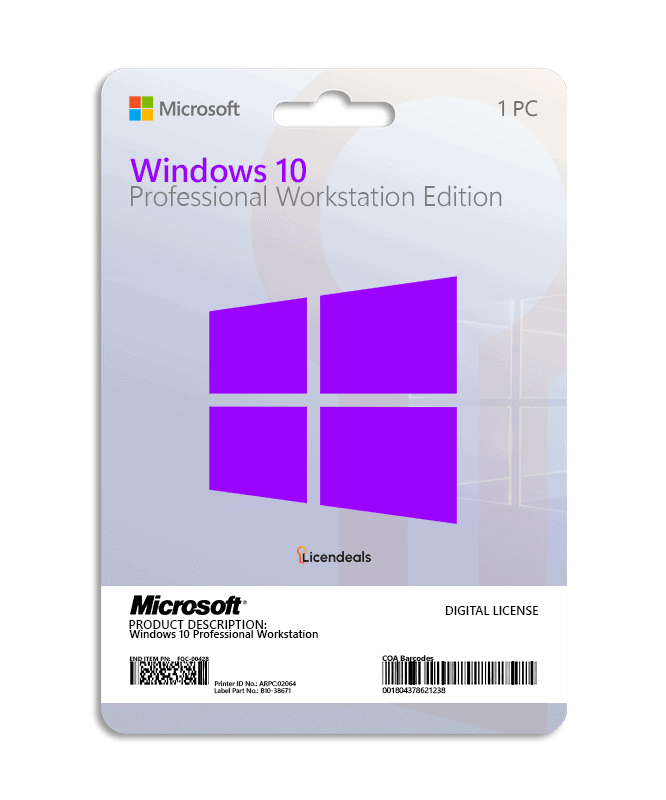
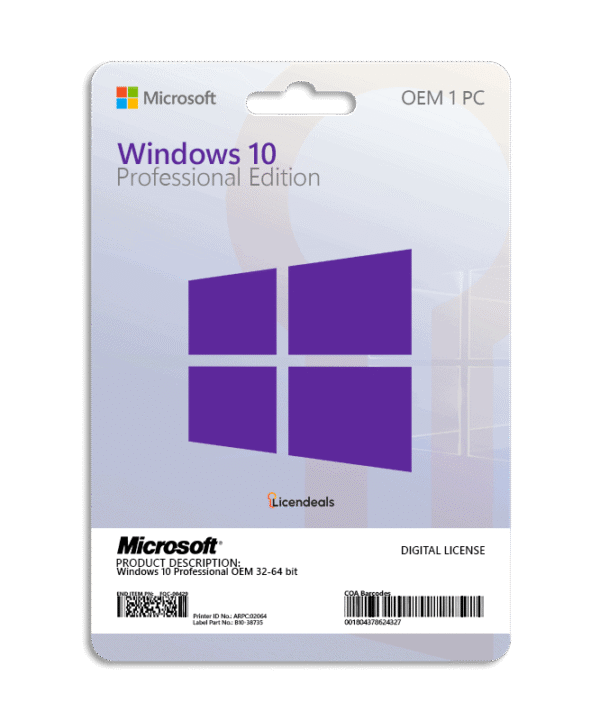
This license allows you to activate Windows 10 Professional Workstation on your PC. Buy now and your Windows 10 Professional Workstation product key is delivered by email. This is a one-time license and the activation key is only valid for installation on 1 PC.
Windows 10 Professional Workstation product key gives you the possibility to activate the software anywhere in the world; you can activate the software on your home or office computers. We offer affordable pricing and a lifetime warranty on the computer where you activate the license.
Activate Windows 10 Professional Workstation using a product key
Before using the license, please note:
1. Windows 10 must not have any pending updates, otherwise activation will fail. If Windows 10 has pending updates, please install them, restart your computer, and follow the activation steps.
3. If you encounter any activation errors, please do not hesitate to contact us via our Online Chat or WhatsApp. We are online 24/7, ready to help you.
After receiving your license, please follow these steps:
XXXXX-XXXXX-XXXXX-XXXXX-XXXXX).Official download from Microsoft
Download Windows 10 from the official Microsoft website. There you can create a USB installation drive with the Media Creation Tool or download the disk image (ISO). The same download works for every edition: your license key activates the edition you bought.
Download Windows 10 from Microsoft
Then activate it with your license key: the steps are in the How to activate tab.
| 32-bit | 64-bit | |
|---|---|---|
| License for | 1 PC | |
| Processor | 1 GHz or faster processor or SoC | |
| Architecture | 64 Bit or 32 Bit | |
| Memory (RAM) | 1 GB | 2 GB |
| Disk space | 32 GB or larger | |
| Graphics | DirectX 9 or later with WDDM 1.0 driver | |
| Display | 800 x 600 or higher | |
| Brand | Microsoft |
|---|---|
| Format | Digital license, one activation per computer |
| Updates | No longer updated by Microsoft (support ended on October 14, 2025). With Microsoft's Extended Security Updates (ESU) program, Windows 10 version 22H2 can receive security updates until October 12, 2027 |
| Platform | Windows 10 |
| License type | RETAIL |
| Compatibility | 32-bit and 64-bit |
| Users supported | 1 User per license |
| Activation available in | Worldwide |
| Delivery | Delivered by email |
| Language | Available in all languages (it is possible to change language settings after installation; additional language packs are also available to be downloaded and installed separately) |
| Support | Microsoft support ended in 2025 |
| Devices | 1 PC |
| Expiration | No expiration |
| Warranty | Lifetime warranty on the computer where you activate it |


No account yet?
Create an Account






 Office for PC
 Office for Mac
 Windows Server
 SQL Server
 Office Apps
 Visual Studio

Aisha Khan –
My activation attempt failed several times because the program couldn’t verify the license online. Support suggested checking my internet connection and reconnecting. After reconnecting, the verification process completed successfully.
Amina Yusuf –
A compatibility warning appeared during installation, which concerned me. Support reviewed it and confirmed that it was safe to continue. Their expertise was reassuring.