September Special Offer - 5% OFF SITEWIDE!
Use code:

License Features:
 Digital download Digital download |
Permanent updates |
| For 1 PC |
Multi-language |
| No expiration |
Lifetime warranty |
 23
People watching this product now!
23
People watching this product now!

Your order will be sent immediately to your email.
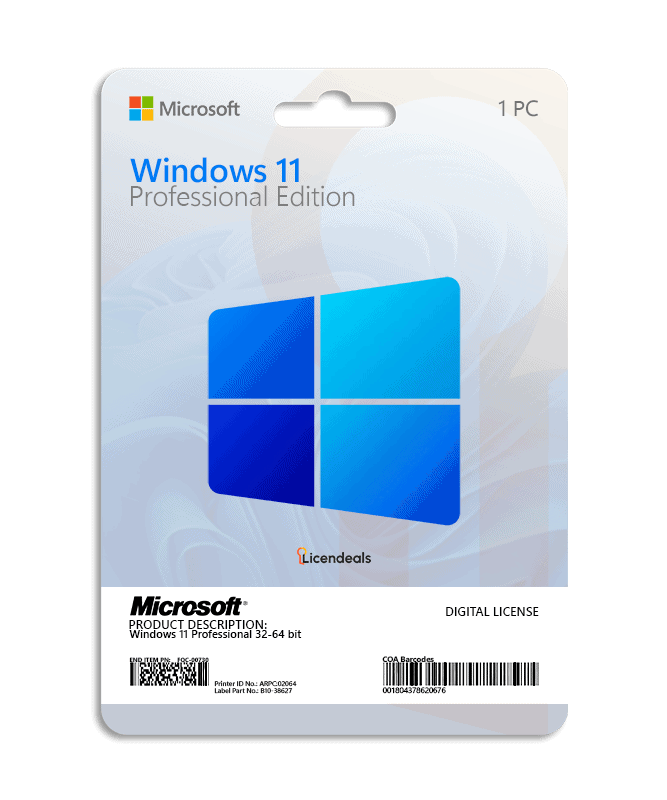
This license allows you to activate Windows 11 Professional on your PC. Buy now and we will instantly send your Windows 11 Professional product key to your email. This is a one-time license and the activation key is only valid for installation on 1 PC.
Windows 11 Professional product key gives you the possibility to activate the software anywhere in the world, you can activate the software on your home or office computers. We offer affordable pricing and lifetime warranty on all activation licenses.
IMPORTANT: This license does not work for upgrading from WINDOWS 11 HOME SINGLE LANGUAGE. If you have the Windows 11 Home version, it will work without any problems.
• License for: 1 PC
• Processor: 1.0 GHz or faster
• Architecture: 64 Bit or 32 Bit
• Minimum RAM: 4 GB (32-bit) / 4 GB (64-bit)
• Minimum HDD: 64 GB (32-bit) / 64 GB (64-bit)
• System firmware: UEFI (for Unified Extensible Firmware Interface, a modern version of the PC BIOS) and Secure Boot capable
• TPM: Trusted Platform Module (TPM) version 2.0
• Windows Version: The PC must be running Windows 10 (version 2004 or later) in order to upgrade through Windows Update. Free updates can be installed through Windows Update in Settings ➞ Update and Security
• Brand: Microsoft
• Format: Lifetime activation - Digital license
• Updates: Permanent updates
• Platform: Windows 11
• License Type: Retail
• Compatibility: 32-bit and 64-bit
• Users supported: 1 User per license
• Activation available in: Worldwide
• Estimated delivery time: IMMEDIATE DELIVERY
• Language: Available in all languages (it is possible to change language settings after installation; additional language packs are also available to be downloaded and installed separately)
IMPORTANT: All files we provide are free of viruses or malicious software.
Activate Windows 11 Professional using a product key
Before using the license, please note:
1. Windows 11 must not have any pending updates, otherwise activation will fail. If Windows 11 has pending updates, please install them, restart your computer, and follow the activation steps.
2. This license does not work for upgrading from WINDOWS 11 HOME SINGLE LANGUAGE. If you have the Windows 11 Home version, it will work without any problems.
3. If you encounter any activation errors, please do not hesitate to contact us via our Online Chat or WhatsApp. We are online 24/7, ready to help you.
After receiving your license, please follow these steps:
XXXXX-XXXXX-XXXXX-XXXXX-XXXXX).No account yet?
Create an Account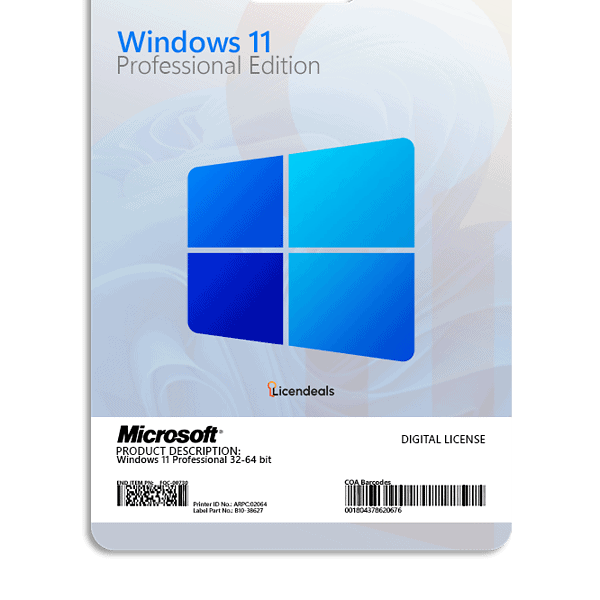




 Windows
 Office for PC
 Office for Mac
 Windows Server
 SQL Server
 Office Apps
 Visual Studio

Ludiot Barnabas –
Just bought the license, it came by email in 2 minutes. Worked like a charm. I highly recommend this website.
Joel Zimmerman –
The license was delivered earlier than expected.
Olivia Johnson –
Very satisfied, the activation process was smooth and easy.
Stella Bryant –
License worked perfectly on the first try.
Melissa Hale –
The instructions were detailed and easy to follow
Kayla Whitman –
Everything worked flawlessly. The license key arrived fast, activated right away, and support answered all my questions with patience and clarity.
Miguel Andrade –
I’m very happy with the experience. The license arrived almost immediately, and the support team was very attentive.
Jonathan Phillips –
The checkout was seamless, and the instructions were very clear. I had no issues setting up my license, which saved me a lot of time.
Irene Graham –
I felt very confident completing my purchase online. Installation was simple, and I had everything working in just a few minutes.
Omar Khalid –
I had a good experience, license arrived instantly, installation instructions were clear, and customer support provided guidance.
Ravi Kumar –
I had a smooth and pleasant experience on this platform. The interface is clear, transactions are fast, and support responds efficiently.
Marco Romano –
When I couldn’t find the activation dashboard, support immediately showed me where to access it. Their efficiency saved me valuable time.
Ryan Murphy –
The license email arrived immediately but the software kept saying the key was invalid. I contacted support and they noticed I had typed the key manually with a small mistake. After copying and pasting it correctly, the activation worked.
Nikolai Volkov –
Trying to activate the license before finishing installation caused a problem. Support clarified the correct order of steps and helped resolve it.