October Special Offer - 5% OFF SITEWIDE!
Use code:
Valid until Oct 31
How does a Windows 11 Pro 5 PC license work? At Licendeals, Windows 11 Professional 5PC is a RETAIL License with one product key that activates Windows 11 Pro on 5 different computers. Below we explain what you receive, how to enter the same key on each PC, the rules for each activation and when a 5PC license is the right choice, with screenshots from our own store and from our Windows 11 guide.
IMPORTANT: this license does not work for upgrading from Windows 11 Home Single Language. If your computers have Windows 11 Home or Windows 11 Pro, it works as described below.
One key activates 5 PCs. You buy one Windows 11 Professional 5PC license, you receive one product key, and you enter that same key on each of your 5 computers. Every computer gets its own activation.
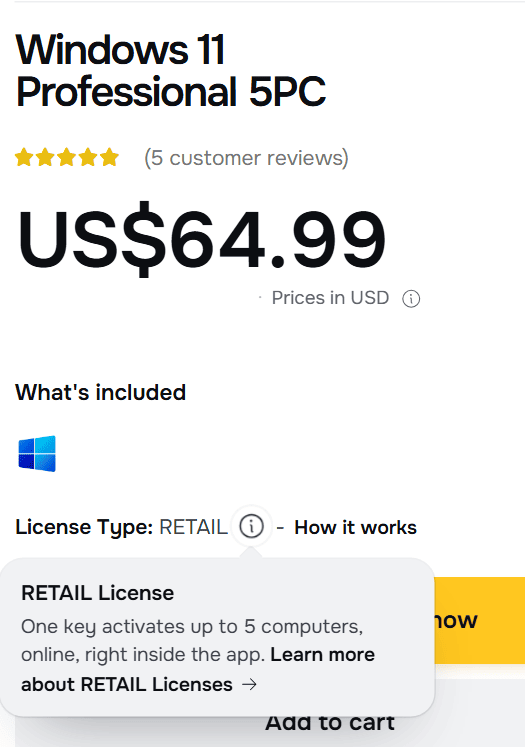
This is the product page. Point at the small "i" next to License Type and a short explanation opens:
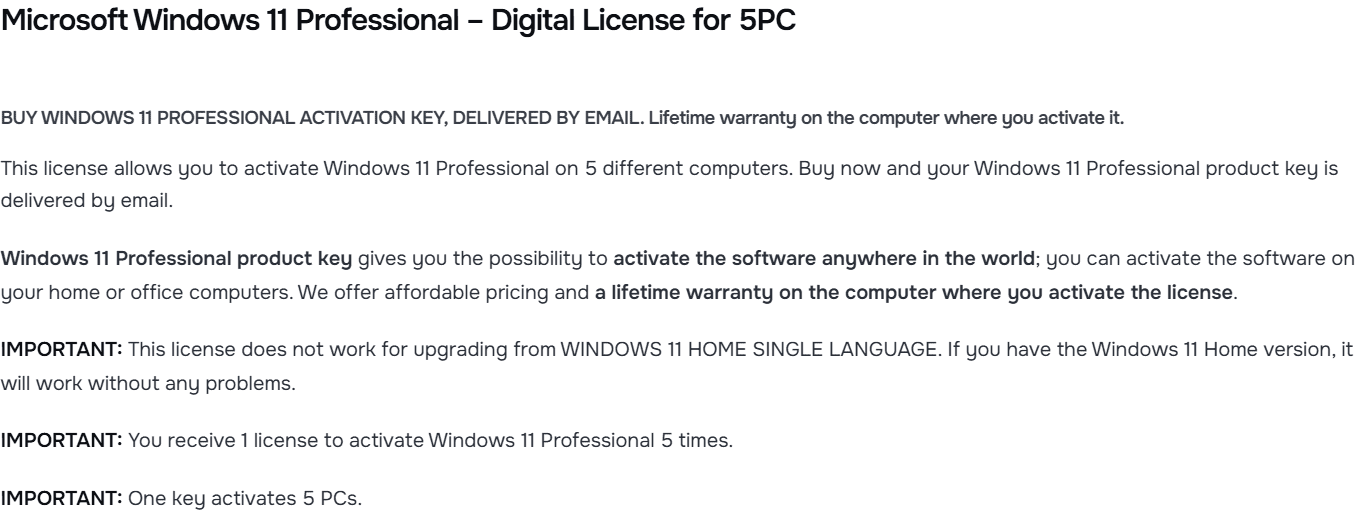
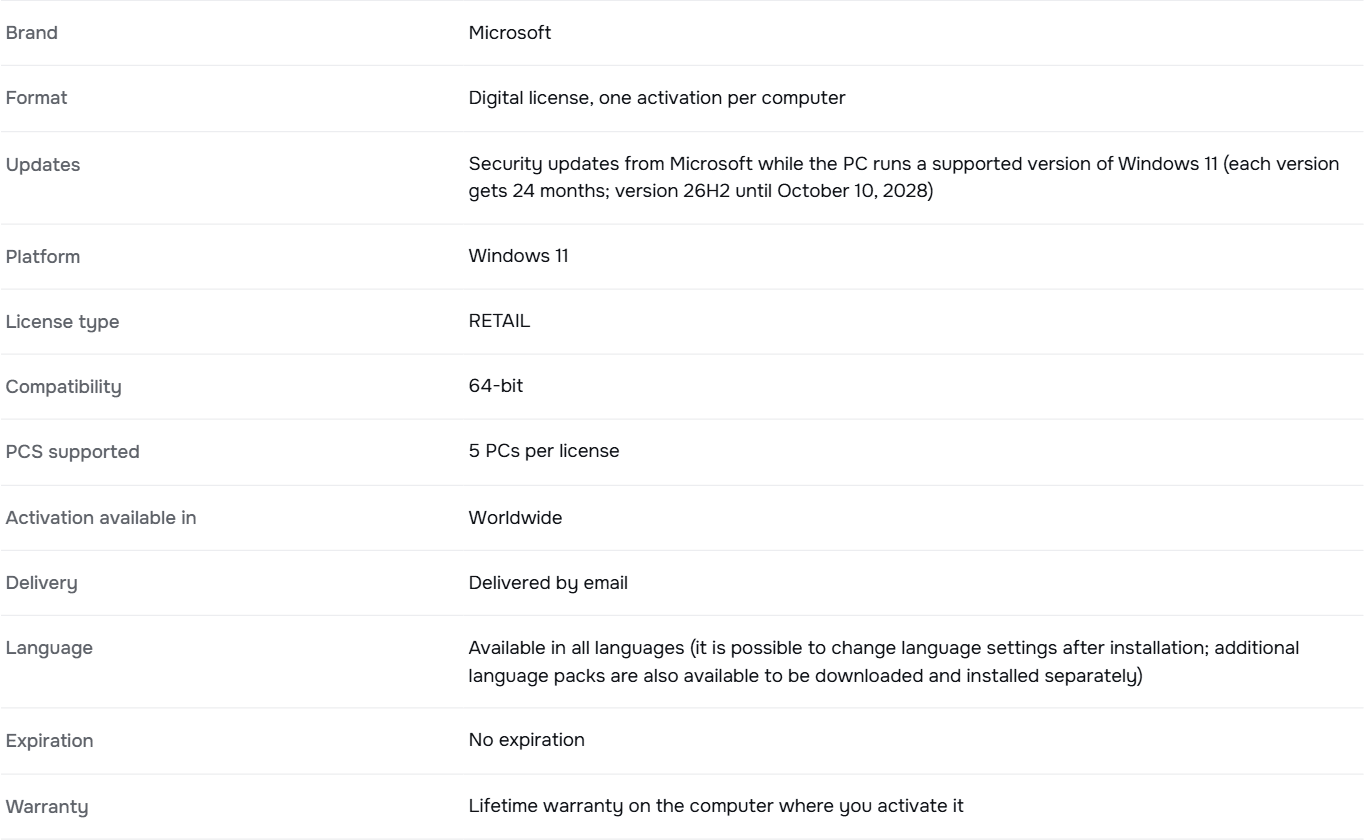
The description of the product page sums it up in three lines:
We email you a secure link to your license as soon as your payment is confirmed. It also appears in your account.
You repeat the same steps on each computer. These are Microsoft's steps for entering a product key in Windows 11:
3.1 On the first computer, select Start, then Settings, System, Activation.
3.2 Next to Change product key, select Change. If the User Account Control window appears, confirm with an account that has administrator rights on that computer.
3.3 Type your 25-character product key and select Next.
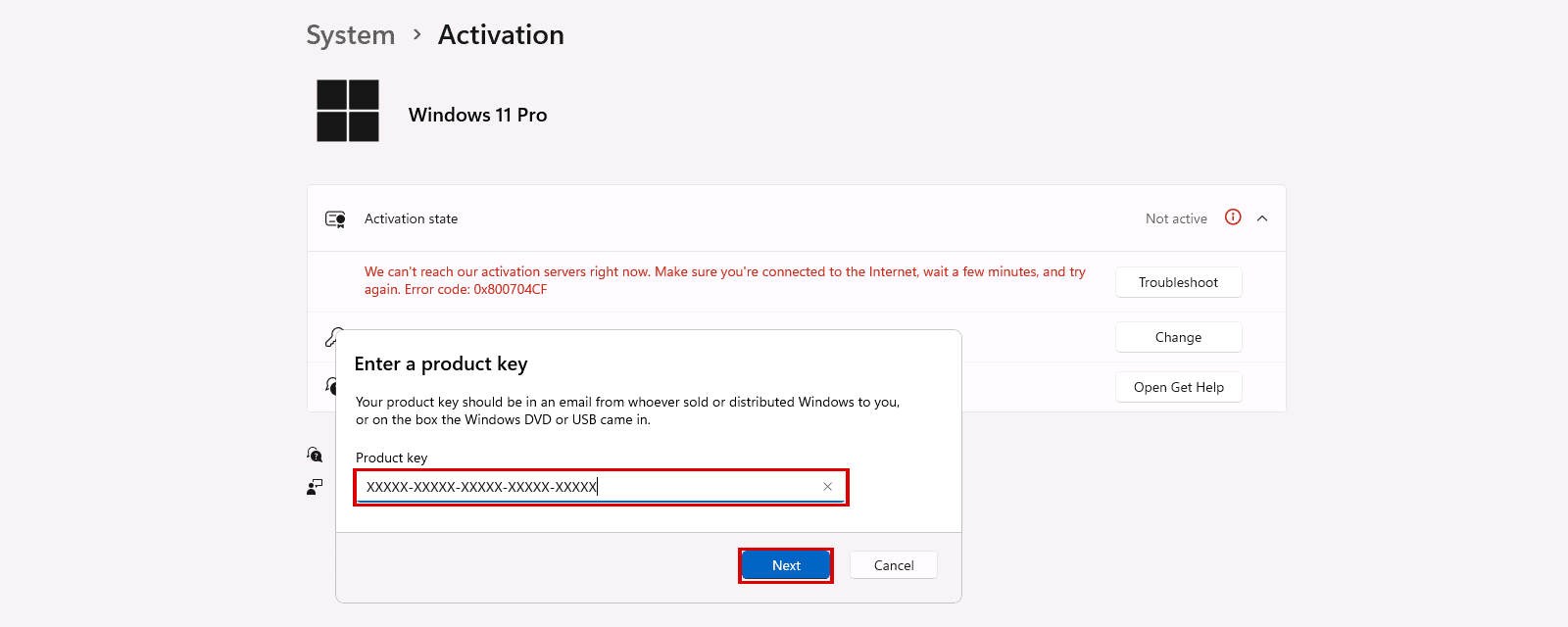
The red message in this screenshot means that computer couldn't reach Microsoft's activation servers at that moment: make sure each computer is connected to the Internet when you activate it.
3.4 Check that the Activation page shows Windows 11 Pro as active.
3.5 Repeat steps 3.1 to 3.4 on each of the other 4 computers, with the same key.
If a computer has Windows 11 Home, entering the Pro key upgrades it first. In Microsoft's words: "Select Next to start the upgrade to Windows 11 Pro." The computer restarts and then activates. Our guide How to Upgrade Windows 11 Home to Pro shows that upgrade screen by screen, and How to Activate Windows 11 covers a computer that already has Windows 11 Pro.
Windows 11 Professional 5PC is a RETAIL License, so each of the 5 activations follows the rules on our license types page:
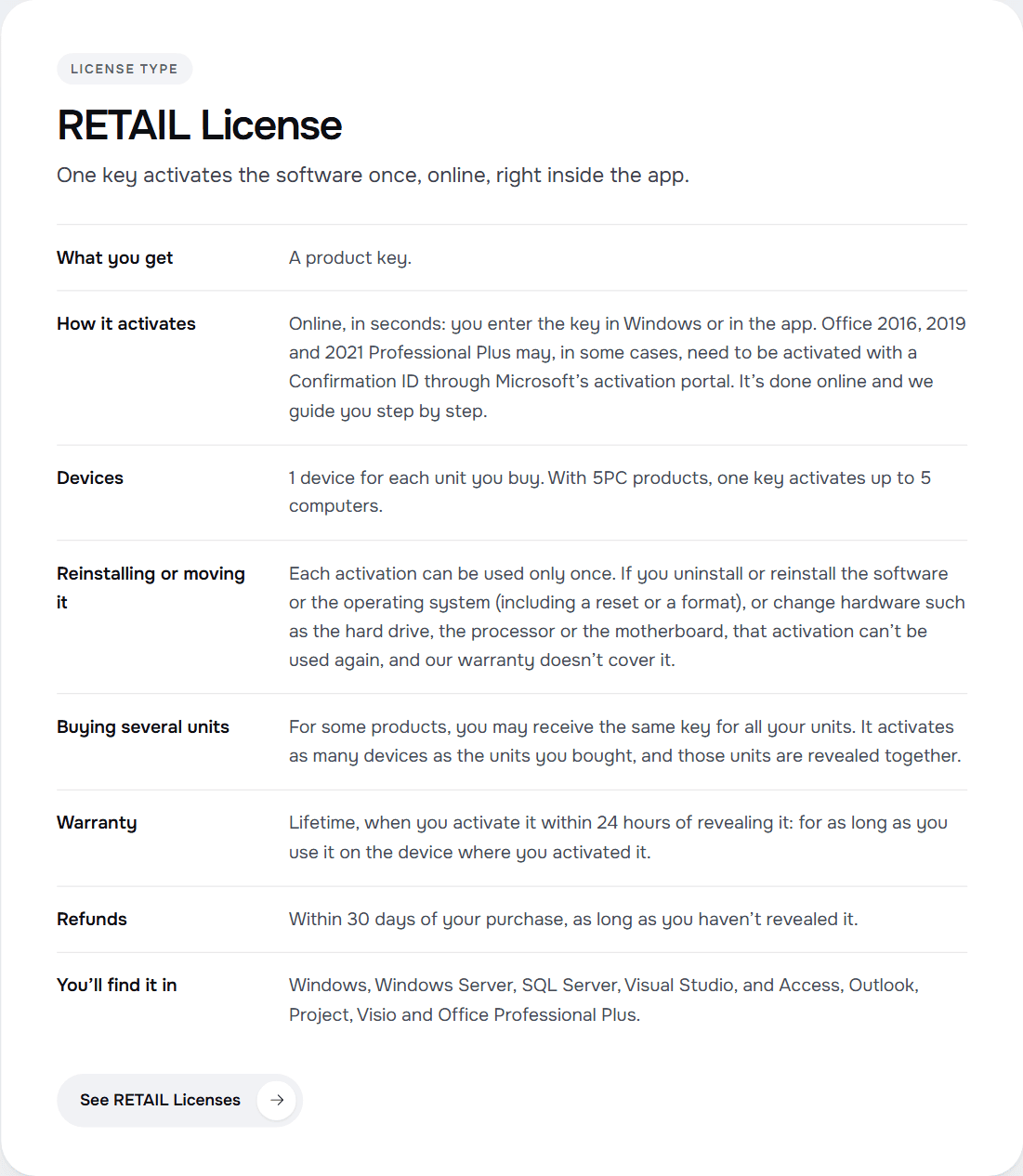
In practice: plan which 5 computers you will activate before you start, and use a computer that will keep its current hardware and installation. An activation used on a computer that you format later doesn't come back.
Buying for a company? You can also request a quote.
We sell one more 5PC product: Office 2021 Professional Plus 5PC, also a RETAIL License, for Windows only. One key activates 5 PCs, and each activation is entered inside Office. The difference: it can also be activated with a Confirmation ID through Microsoft's activation portal, and we guide you step by step.
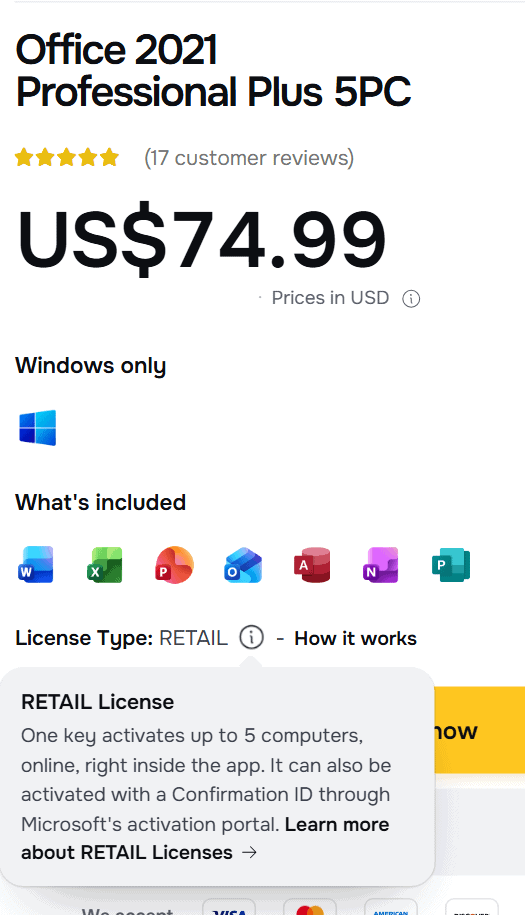
Before you buy it, keep in mind that Office 2021 is no longer updated by Microsoft: support ended on October 13, 2026. The product page shows that date in its License details tab.
These rules are ours, not Microsoft's, and they are the same on our license types page:
So reveal your key when your computers are ready to be activated. Our checklist before you reveal helps you get ready. Full details: Warranty.
What this post doesn't cover: activating Windows 11 Home Single Language, and moving an activation to a different computer, which a RETAIL activation doesn't allow.
{n} from {l} bought
{n} bought
Someone from {l} bought
Someone bought
Just now
1 minute ago
2 minutes ago
1 hour ago
2 hours ago
1 day ago
2 days ago
Close


 Windows
 Office for PC
 Office for Mac
 Windows Server
 SQL Server
 Office Apps
 Visual Studio
