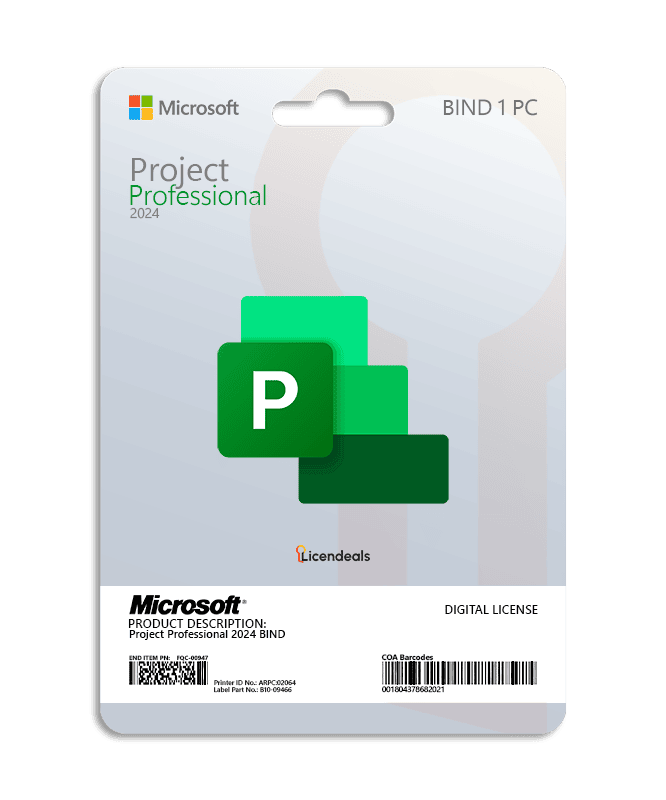
Microsoft Project 2024 Professional – BIND License
BUY PROJECT 2024 PROFESSIONAL ACTIVATION KEY, DELIVERED BY EMAIL. Lifetime warranty for as long as you keep the Microsoft account you link it to, when you activate it within 24 hours of revealing it.
This license allows you to activate Project 2024 Professional on your PC. Buy now and your Microsoft Project Professional 2024 product key is delivered by email. This license can be linked to your Microsoft account, allowing you to download and activate Project 2024 Professional as many times as you need. Pay once and use it for as long as you keep your Microsoft account.
Microsoft Project 2024 Professional digital license is advanced project management software for Windows, ideal for companies and professionals who need to plan, schedule, and control projects efficiently. It includes Gantt charts, resource management, task tracking, budget control, and detailed real-time reports. The license is perpetual and allows you to optimize productivity, improve work organization, and ensure the timely delivery of business projects. Compatible with corporate environments and high-performance teams.
When you purchase your license from us, it is delivered by email. Your investment is protected by our lifetime warranty for as long as you keep the Microsoft account you link the license to, and if you ever need help with activation or installation, our 24/7 technical support team is always available to help.
IMPORTANT: Once the license is redeemed on a Microsoft account, there is no way to unlink it or transfer it to another Microsoft account.
IMPORTANT: This license can be linked to your Microsoft account, which allows you to reinstall it or move it to a new device for as long as you keep that account.
IMPORTANT: This license cannot be used to activate Microsoft Project on multiple computers at the same time.
Download from your Microsoft account
Your BIND License is linked to your Microsoft account, so you download and install it from that account:
- Go to office.com/setup, sign in with your Microsoft account and enter your product key. Once linked, it can't be moved to another account.
- Go to account.microsoft.com/services and sign in with the same account.
- Find your product and click Install. To choose the language or the 32-bit or 64-bit version, use Other options.
- Run the file you downloaded. It installs and activates with your account.
You can reinstall it from the same account at any time.

 Microsoft Solutions PartnerAuthorized reseller of genuine licenses
 ProjectPlan projects, tasks and timelines.












 Office for PC
 Office for Mac
 Windows Server
 SQL Server
 Visual Studio

Nguyen Minh –
This platform provides a reliable and user-friendly experience. Everything is intuitive, fast, and supported by responsive customer service.
Natalia Kowalska –
Closing the confirmation page too soon caused me to lose my details. Support resent the information right away and verified that my license was active.
Camila Herrera –
The activation initially failed because my antivirus blocked one of the program services. Support explained how to temporarily disable the protection during activation. After doing that, the license activated without any issues.
Diego Alvarez –
A security prompt appeared during installation that I didn’t understand. Support explained its purpose and showed me how to continue safely.