November Special Offer - 5% OFF SITEWIDE!
Use code:
Valid until Nov 30
 Genuine software, guaranteedDelivered by email, with 24/7 support.
 Windows 10
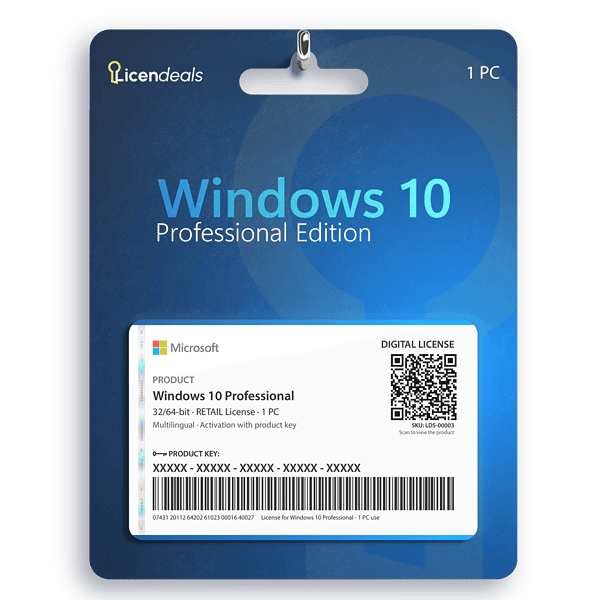
License Type: RETAIL RETAIL LicenseOne key activates the software once, online, right inside the app. Learn more about RETAIL Licenses





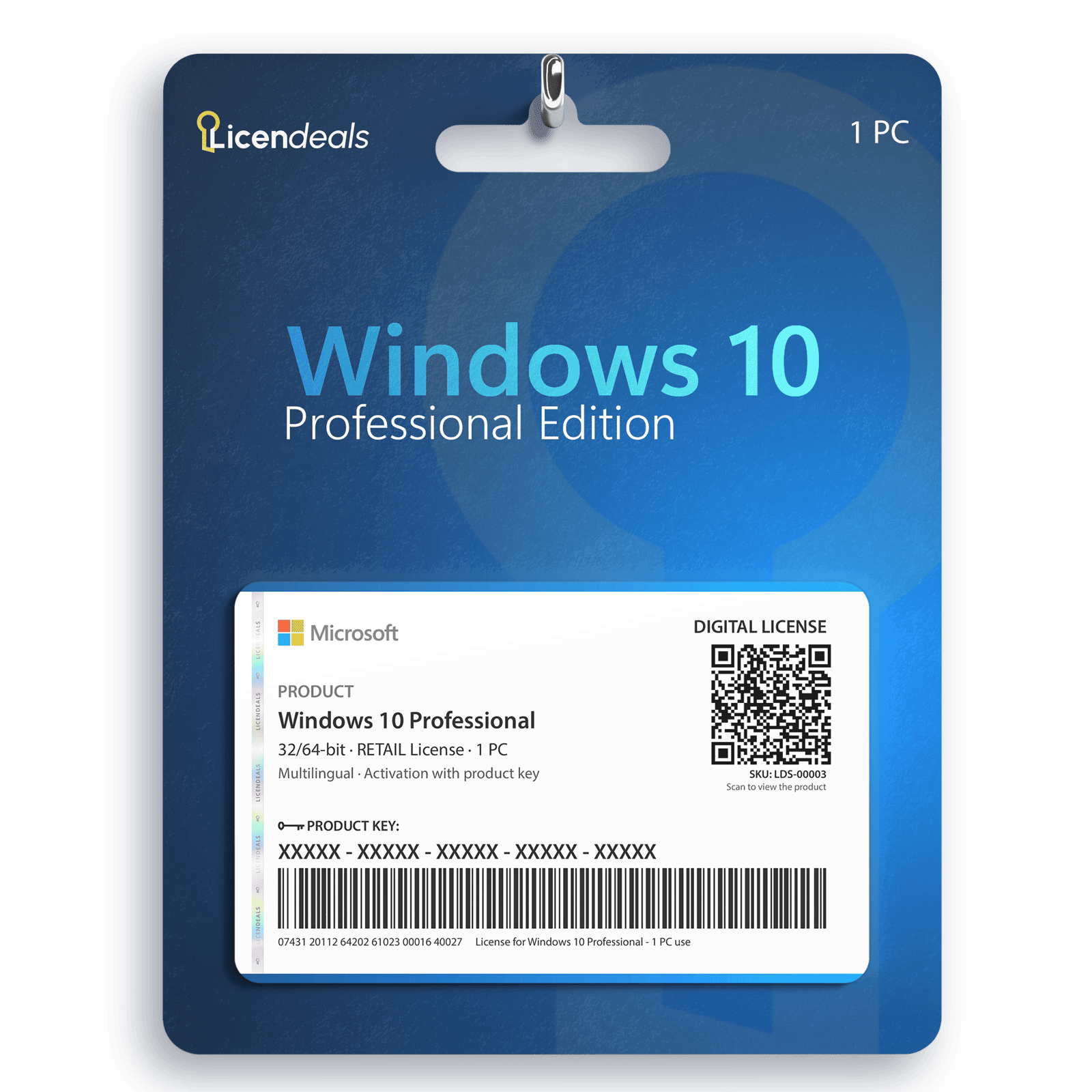
This license allows you to activate Windows 10 Professional on your PC. Buy now and your Windows 10 Professional product key is delivered by email. This is a one-time license and the activation key is only valid for installation on 1 PC.
Windows 10 Professional product key gives you the possibility to activate the software anywhere in the world; you can activate the software on your home or office computers. We offer affordable pricing and a lifetime warranty on the computer where you activate the license.
Activate Windows 10 Professional using a product key
Before using the license, please note:
1. Windows 10 must not have any pending updates, otherwise activation will fail. If Windows 10 has pending updates, please install them, restart your computer, and follow the activation steps.
2. This license does not work for upgrading from WINDOWS 10 HOME SINGLE LANGUAGE. If you have the Windows 10 Home version, it will work without any problems.
3. If you encounter any activation errors, please do not hesitate to contact us via our Online Chat or WhatsApp. We are online 24/7, ready to help you.
After receiving your license, please follow these steps:
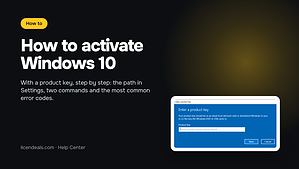
XXXXX-XXXXX-XXXXX-XXXXX-XXXXX).Do you have Windows 11 Home or Windows 10 Home? Follow our step-by-step guide to upgrade Windows 11 Home to Pro without reinstalling Windows.
Official download from Microsoft
Download Windows 10 from the official Microsoft website. There you can create a USB installation drive with the Media Creation Tool or download the disk image (ISO). The same download works for every edition: your license key activates the edition you bought.
Download Windows 10 from Microsoft
Then activate it with your license key: the steps are in the How to activate tab.
| 32-bit | 64-bit | |
|---|---|---|
| License for | 1 PC | |
| Processor | 1 GHz or faster processor or SoC | |
| Architecture | 64 Bit or 32 Bit | |
| Memory (RAM) | 1 GB | 2 GB |
| Disk space | 32 GB or larger | |
| Graphics | DirectX 9 or later with WDDM 1.0 driver | |
| Display | 800 x 600 or higher | |
| Brand | Microsoft |
|---|---|
| Format | Digital license, one activation per computer |
| Updates | No longer updated by Microsoft (support ended on October 14, 2025). With Microsoft's Extended Security Updates (ESU) program, Windows 10 version 22H2 can receive security updates until October 12, 2027 (home users) or October 10, 2028 (organizations, paid) |
| Platform | Windows 10 |
| License type | RETAIL |
| Compatibility | 32-bit and 64-bit |
| Users supported | 1 User per license |
| Activation available in | Worldwide |
| Delivery | Delivered by email |
| Language | Available in all languages (it is possible to change language settings after installation; additional language packs are also available to be downloaded and installed separately) |
| Devices | 1 PC |
| Expiration | No expiration |
| Warranty | Lifetime warranty on the computer where you activate it |
Bought this from Licendeals? Review it from your order email or My Account. With an account, get 200 Choice Rewards points (US$2) when your review is published with a photo of the activated product, whatever your rating.
What customers added to the same order in the last 12 months.
{n} from {l} bought
{n} bought
Someone from {l} bought
Someone bought
Just now
1 minute ago
2 minutes ago
1 hour ago
2 hours ago
1 day ago
2 days ago
Close






 Office for PC
 Office for Mac
 Windows Server
 SQL Server
 Office Apps
 Visual Studio

Jeremy King –
Support helped me solve a problem in minutes.
Reply
Derek Mitchell –
The speed of service is impressive.
Reply
Leah Foster –
Very good service, I will buy again.
Reply
Alexis Knight –
The key worked instantly without any errors
Reply
Arianna Wade –
The service exceeded my expectations. My digital license arrived almost instantly, and when I had a small issue, support solved it within minutes. Professional and reliable.
Reply
Farid Mansouri –
Everything worked perfectly. The key was delivered right away, and support provided clear instructions that made things easy.
Reply
Anthony Roberts –
I appreciated how transparent and efficient the buying process was. Activation went perfectly, and I had my software ready immediately.
Reply
Bianca Ford –
I loved the speed and simplicity of the purchase process. Setting up the license was fast and easy, and everything worked perfectly.
Reply
Min Jae Park –
I appreciated the clear process, purchase was easy, license delivery was instant, installation worked well, and customer support helped.
Reply
Liang Chen –
I really appreciate the thoughtful design of this site. The interface is intuitive, buying is fast, and support replies quickly and clearly.
Reply
Andrei Ionescu –
After accidentally skipping an important setup step, I contacted support. They quickly spotted the issue and ensured everything worked perfectly.
Reply
Miguel Torres –
The purchase process was simple and fast, but the installer stopped halfway during download. Support quickly provided an alternative download mirror. After downloading from that link the installation finished and the license activated perfectly.
Reply
Bilal Sheikh –
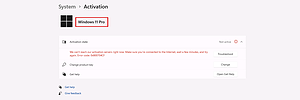
Confirming that my digital license was permanently linked wasn’t obvious to me. Support guided me through checking it in the system settings.
Reply