September Special Offer - 5% OFF SITEWIDE!
Use code:

Let’s review the steps to enable your Microsoft 365 subscription on Windows or Mac:
1. First, you’ll need a Microsoft 365 product key. You can purchase it from our catalog:
Microsoft 365 Family – 6 PCs, 100 GB | 6 months – $14.99
Microsoft 365 Personal – 1 PC, 100 GB | 12 months – $13.99
2. Once you have your product key, visit Microsoft’s official activation page at: setup.office.com
3. Sign in with your Microsoft account and enter the product key to complete the activation process.
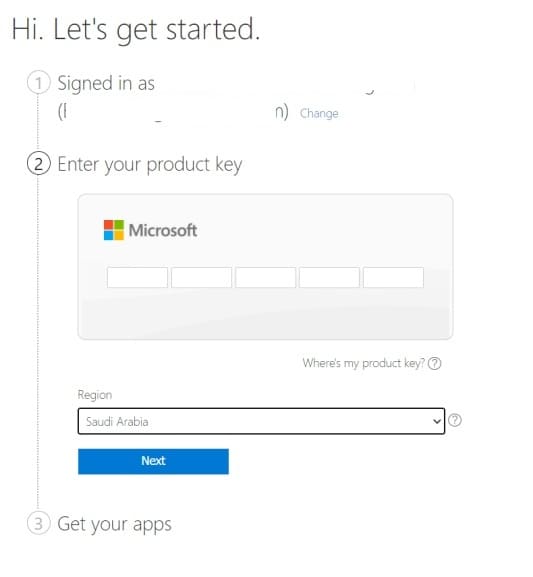
– Then click the “Next” button.
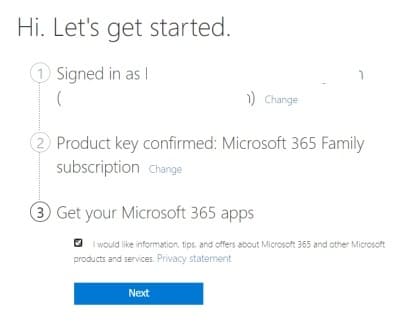
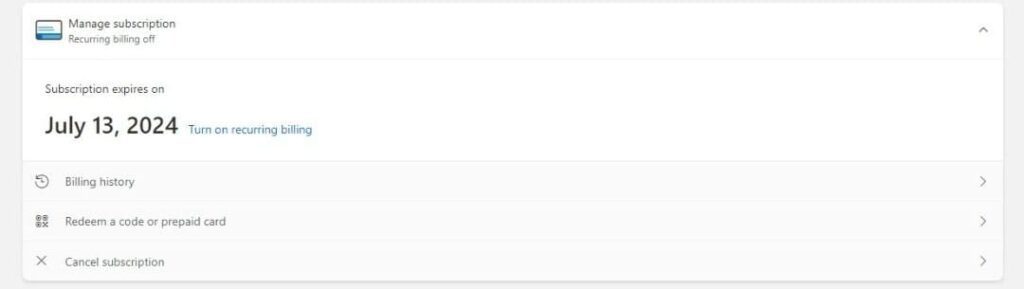
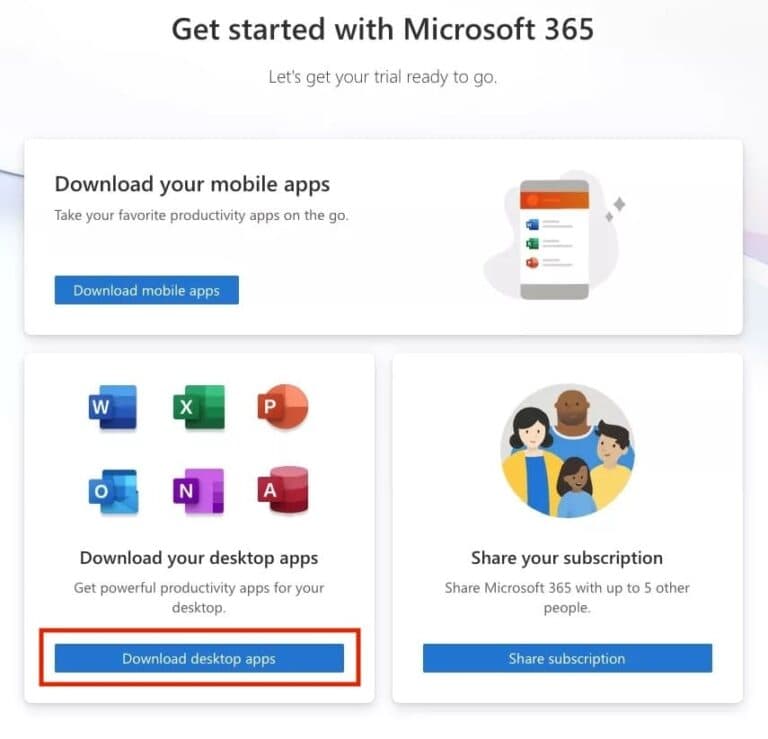
4. Your subscription has been successfully activated. You will be automatically redirected to your Microsoft 365 account, where you can manage and share your subscription with other accounts or devices. If you have the “Family” plan, you will also have the option to download the applications.
In this section, you can also check the expiration date of your subscription.
Important: On Windows 10 and Windows 11, the Microsoft 365 app is already included with the system, so you simply need to sign in with your account in the pre-installed application.
– If you are using a Mac and the application is not installed, you will need to download and install it first.

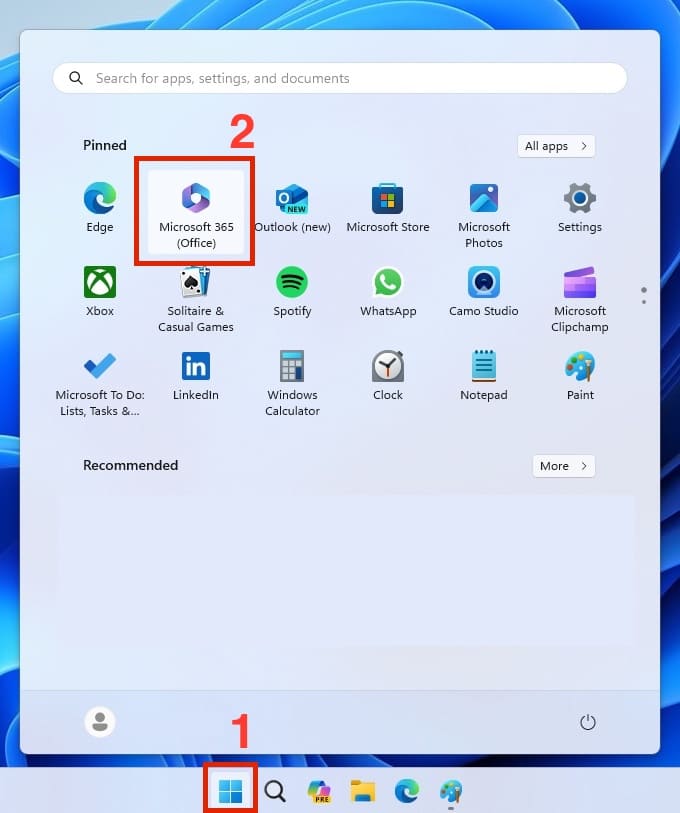
5. For Windows – Open the Start menu and locate the Microsoft 365 application. Launch it and sign in with your account if you haven’t already. Once this is done, the activation process is complete and you can start using the application.

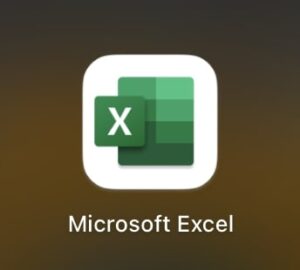
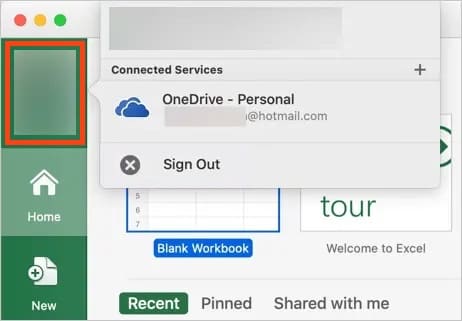
For Mac – Once the application is installed, open Launchpad and look for any Office app, such as Excel. Open it and sign in with your Microsoft account. After logging in, the activation process for Mac will be finished.
No account yet?
Create an Account


 Windows
 Office for PC
 Office for Mac
 Windows Server
 SQL Server
 Office Apps
 Visual Studio
