November Special Offer - 5% OFF SITEWIDE!
Use code:
Valid until Nov 30
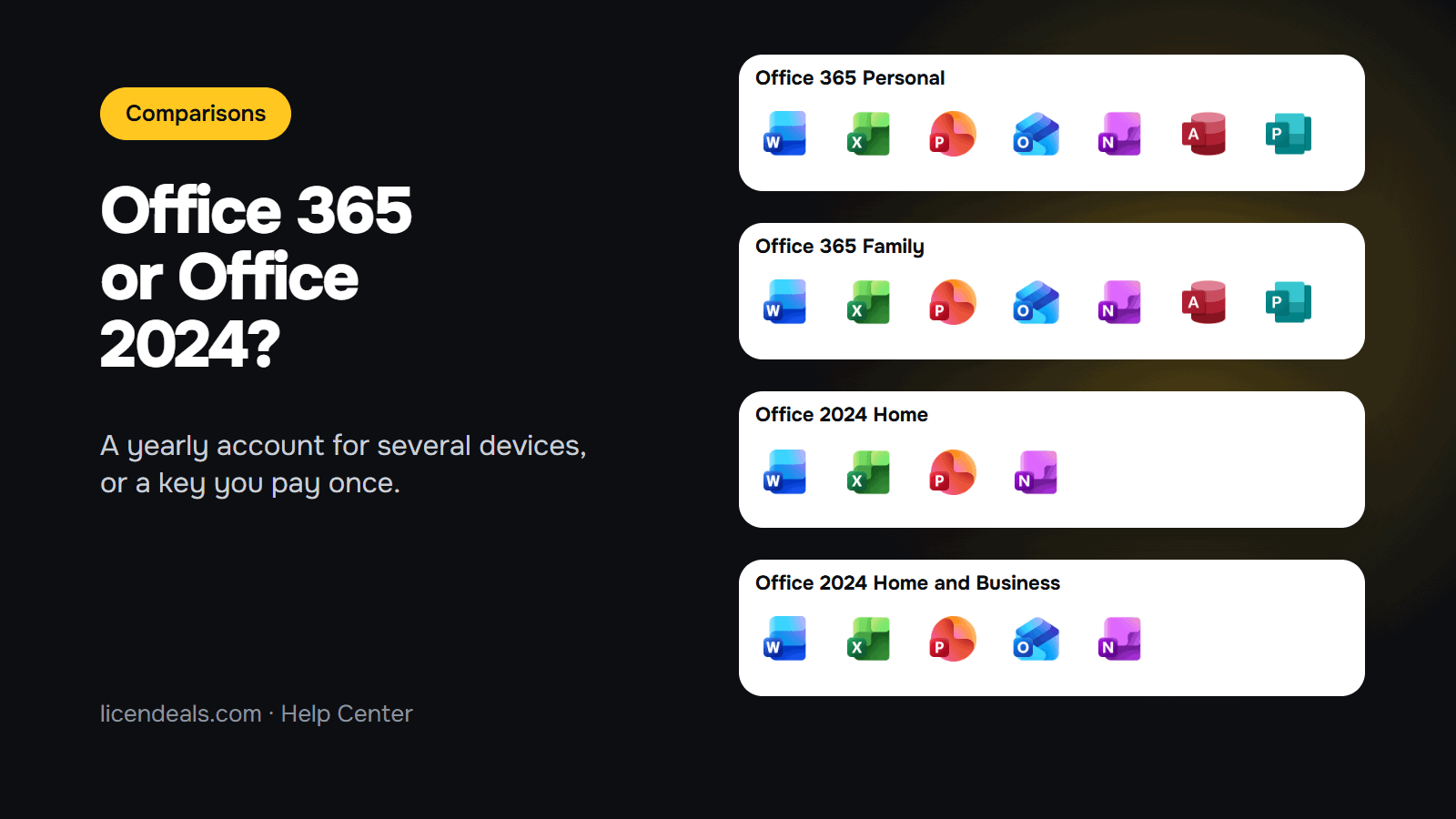
Office 365 vs Office 2024: which one should you buy? The main difference is how you pay and where you can use it. An Office 365 account is a 1-year plan that you use on 1 or 5 devices, with Windows, Mac, tablets and phones, and the apps stay up to date while the plan lasts. Office 2024 is a one-time purchase: you pay once and use it on 1 PC or Mac, with no yearly renewal. This guide compares the Office 365 Personal and Family accounts with Office 2024 Home and Home and Business, as we sell them, so you can pick the right one before you buy.
IMPORTANT: the apps, devices and license types below are the ones on our own product pages (checked on 2026-11-14). What we say about updates and support comes from Microsoft's pages (read on 2026-11-14). We did not compare speed or features inside each app, so this guide says nothing about them. Microsoft can change what each product includes.
1.1 Choose an Office 365 account if you want Office on more than one device (for example a laptop, a tablet and a phone), you want Access too, or you want the newest version of the apps while your plan lasts. You renew it each year.
1.2 Choose Office 2024 if you use Office on one computer, you only need the classic apps (Word, Excel, PowerPoint, OneNote, and Outlook in Home and Business) and you prefer to pay once.
1.3 If you work on a Mac, both can work: the Office 365 accounts and the Office 2024 BIND Licenses list Windows and macOS on our product pages. The Office 2024 Home RETAIL License is for Windows only.
2.1 What you receive: an email address and a password for an account that already has the subscription. You don't type a product key. On our license types page, this is the ACCOUNT License.
2.2 Office 365 Personal Account: for 1 device. Our product page lists Windows and Mac, and the apps also work on tablets and phones.
2.3 Office 365 Family Account: the same apps, for 5 devices. It is still one account, with one email and one password. You don't get a separate account for each person. Both product pages show the same systems, apps and license type:
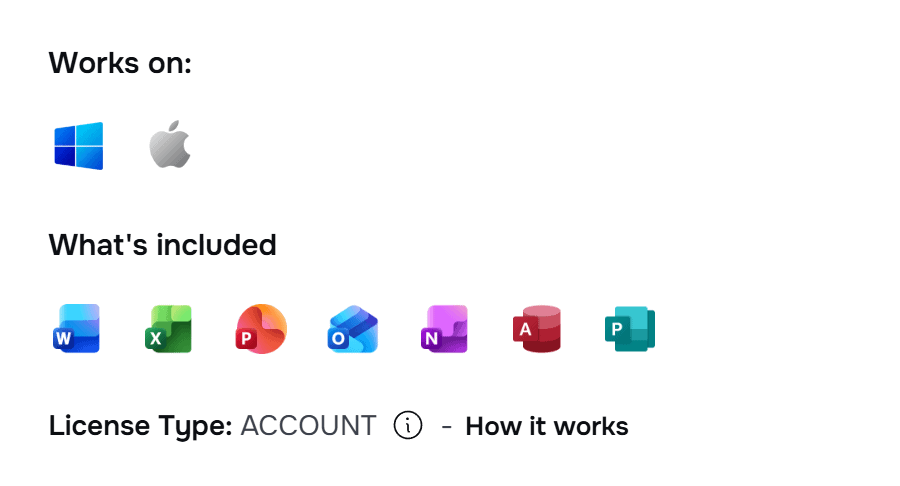
2.4 Apps: Word, Excel, PowerPoint, Outlook, OneNote and Access, plus 1 TB of OneDrive storage. We recommend that you also keep a copy of your important files outside OneDrive.
2.5 Updates: Microsoft says that with a Microsoft 365 subscription you always have the latest features, fixes and security updates. Microsoft now sells these apps under the name Microsoft 365 (its pricing page says "Formerly Office 365").
2.6 Two rules to know: the email address of the account can't be changed, and if you forget the password, there is no way to access or recover the account. Change the password after you sign in and keep it in a safe place. Our guide on how Office 365 accounts work shows every step.
3.1 Office 2024 Home: Word, Excel, PowerPoint and OneNote. We sell it as a RETAIL License for 1 PC with Windows, or as a BIND License for Windows and macOS.

3.2 Office 2024 Home and Business: the same apps plus Outlook. It is a BIND License for 1 PC or 1 Mac.
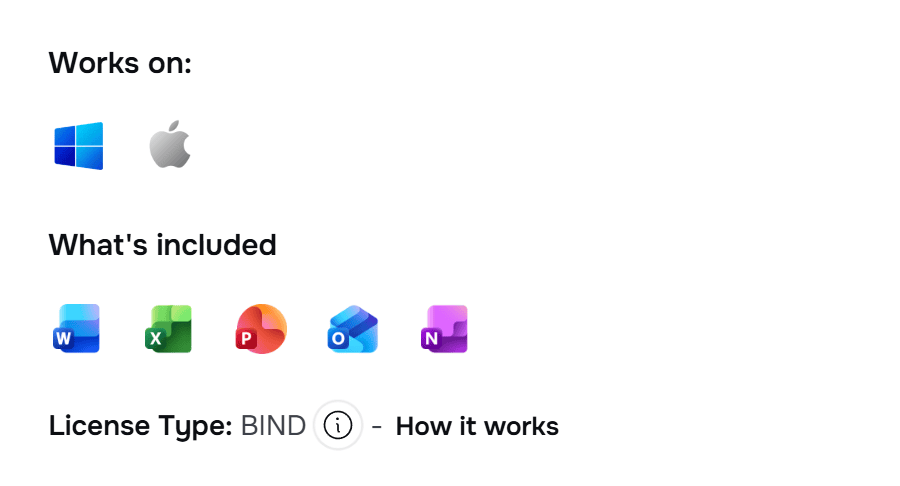
3.3 RETAIL or BIND: with the RETAIL License, you install Office and activate it with your product key on one PC. With a BIND License, you redeem the key at office.com/setup and it stays linked to your Microsoft account, so you can reinstall it or move it to a new device, but only on 1 PC or 1 Mac at a time. Once it is linked, it can't be moved to another Microsoft account.
3.4 Updates: Microsoft says Office 2024 is a one-time purchase with no upgrade options: if you want the next major release, you buy it at full price. Microsoft supports Office 2024 until October 9, 2029.
4.1 How you pay: Office 365, a plan that lasts 1 year. Office 2024, once.
4.2 Devices: Office 365 Personal, 1 device. Office 365 Family, 5 devices. Office 2024, 1 PC or Mac.
4.3 Outlook: in both Office 365 accounts and in Office 2024 Home and Business. Not in Office 2024 Home.
4.4 Access: in both Office 365 accounts. Not in Office 2024 Home or Home and Business. If you need Access on one Windows PC with a one-time purchase, see our comparison of the Office 2024 editions.
4.5 Cloud storage: 1 TB of OneDrive with the Office 365 accounts. None with Office 2024.
4.6 What you receive: Office 365, an email and a password (ACCOUNT License). Office 2024, a product key (RETAIL or BIND License).
4.7 Warranty: our product pages say "covered for the full length of your plan" for the Office 365 accounts, "Lifetime warranty on the computer where you activate it" for the RETAIL License, and "Lifetime warranty for as long as you keep the Microsoft account you link it to" for the BIND Licenses. See the 24-hour rule in the FAQ below.
{n} from {l} bought
{n} bought
Someone from {l} bought
Someone bought
Just now
1 minute ago
2 minutes ago
1 hour ago
2 hours ago
1 day ago
2 days ago
Close


 Windows
 Office for PC
 Office for Mac
 Windows Server
 SQL Server
 Office Apps
 Visual Studio

