October Special Offer - 5% OFF SITEWIDE!
Use code:
Valid until Oct 31
 Genuine software, guaranteedDelivered by email, with 24/7 support.
 Windows 11
License Type: RETAIL RETAIL LicenseOne key activates the software once, online, right inside the app. Learn more about RETAIL Licenses





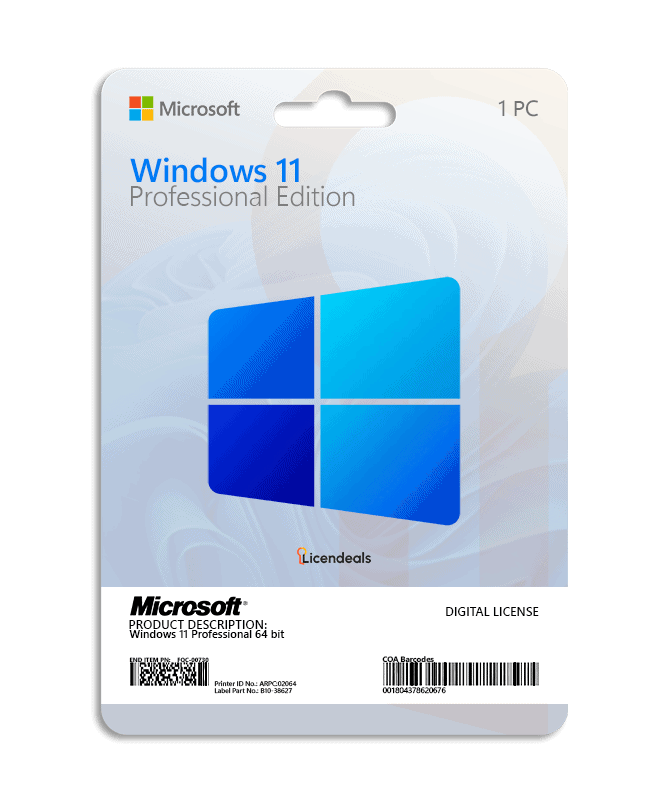
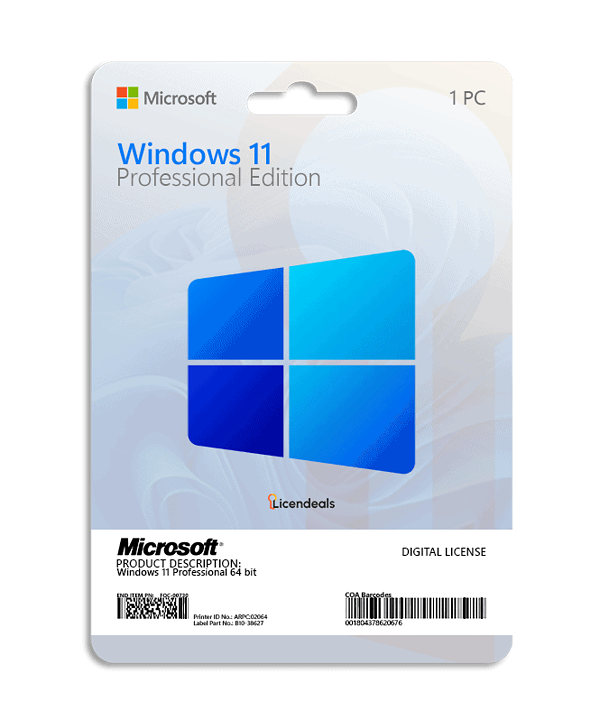
This license allows you to activate Windows 11 Professional on your PC. Buy now and your Windows 11 Professional product key is delivered by email. This is a one-time license and the activation key is only valid for installation on 1 PC.
Windows 11 Professional product key gives you the possibility to activate the software anywhere in the world; you can activate the software on your home or office computers. We offer affordable pricing and a lifetime warranty on the computer where you activate the license.
IMPORTANT: This license does not work for upgrading from WINDOWS 11 HOME SINGLE LANGUAGE. If you have the Windows 11 Home version, it will work without any problems.
Activate Windows 11 Professional using a product key
Before using the license, please note:
1. Windows 11 must not have any pending updates, otherwise activation will fail. If Windows 11 has pending updates, please install them, restart your computer, and follow the activation steps.
2. This license does not work for upgrading from WINDOWS 11 HOME SINGLE LANGUAGE. If you have the Windows 11 Home version, it will work without any problems.
3. If you encounter any activation errors, please do not hesitate to contact us via our Online Chat or WhatsApp. We are online 24/7, ready to help you.
After receiving your license, please follow these steps:
XXXXX-XXXXX-XXXXX-XXXXX-XXXXX).Do you have Windows 11 Home or Windows 10 Home? Follow our step-by-step guide to upgrade Windows 11 Home to Pro without reinstalling Windows.
Official download from Microsoft
Download Windows 11 from the official Microsoft website. There you can create a USB installation drive with the Media Creation Tool or download the disk image (ISO). The same download works for every edition: your license key activates the edition you bought.
Download Windows 11 from Microsoft
Then activate it with your license key: the steps are in the How to activate tab.
| License for | 1 PC |
|---|---|
| Processor | 1 GHz or faster with 2 or more cores on a compatible 64-bit processor or SoC (check with Microsoft's PC Health Check app) |
| Architecture | 64 Bit |
| Memory (RAM) | 4 GB |
| Disk space | 64 GB |
| System firmware | UEFI (for Unified Extensible Firmware Interface, a modern version of the PC BIOS) and Secure Boot capable |
| TPM | Trusted Platform Module (TPM) version 2.0 |
| Graphics | Compatible with DirectX 12 or later with WDDM 2.0 driver |
| Display | High definition (720p), larger than 9" diagonally, 8 bits per color channel |
| Windows version | To upgrade through Windows Update, the PC must be running Windows 10, version 2004 or later, with the September 14, 2021 security update or later. Updates are installed from Settings ➞ Windows Update |
| Connectivity | Internet connection and a Microsoft account are required to complete the initial setup of Windows 11 Home and Windows 11 Pro for personal use |
| Brand | Microsoft |
|---|---|
| Format | Digital license, one activation per computer |
| Updates | Security updates from Microsoft while the PC runs a supported version of Windows 11 (each version gets 24 months; version 26H2 until October 10, 2028) |
| Platform | Windows 11 |
| License type | RETAIL |
| Compatibility | 64-bit |
| Users supported | 1 User per license |
| Activation available in | Worldwide |
| Delivery | Delivered by email |
| Language | Available in all languages (it is possible to change language settings after installation; additional language packs are also available to be downloaded and installed separately) |
| Devices | 1 PC |
| Expiration | No expiration |
| Warranty | Lifetime warranty on the computer where you activate it |
What customers added to the same order in the last 12 months.







 Office for PC
 Office for Mac
 Windows Server
 SQL Server
 Office Apps
 Visual Studio

Ludiot Barnabas –
Just bought the license, it came by email in 2 minutes. Worked like a charm. I highly recommend this website.
Joel Zimmerman –
The license was delivered earlier than expected.
Olivia Johnson –
Very satisfied, the activation process was smooth and easy.
Stella Bryant –
License worked perfectly on the first try.
Melissa Hale –
The instructions were detailed and easy to follow
Kayla Whitman –
Everything worked flawlessly. The license key arrived fast, activated right away, and support answered all my questions with patience and clarity.
Miguel Andrade –
I’m very happy with the experience. The license arrived almost immediately, and the support team was very attentive.
Jonathan Phillips –
The checkout was seamless, and the instructions were very clear. I had no issues setting up my license, which saved me a lot of time.
Irene Graham –
I felt very confident completing my purchase online. Installation was simple, and I had everything working in just a few minutes.
Omar Khalid –
I had a good experience, license arrived instantly, installation instructions were clear, and customer support provided guidance.
Ravi Kumar –
I had a smooth and pleasant experience on this platform. The interface is clear, transactions are fast, and support responds efficiently.
Marco Romano –
When I couldn’t find the activation dashboard, support immediately showed me where to access it. Their efficiency saved me valuable time.
Ryan Murphy –
The license email arrived immediately but the software kept saying the key was invalid. I contacted support and they noticed I had typed the key manually with a small mistake. After copying and pasting it correctly, the activation worked.
Nikolai Volkov –
Trying to activate the license before finishing installation caused a problem. Support clarified the correct order of steps and helped resolve it.