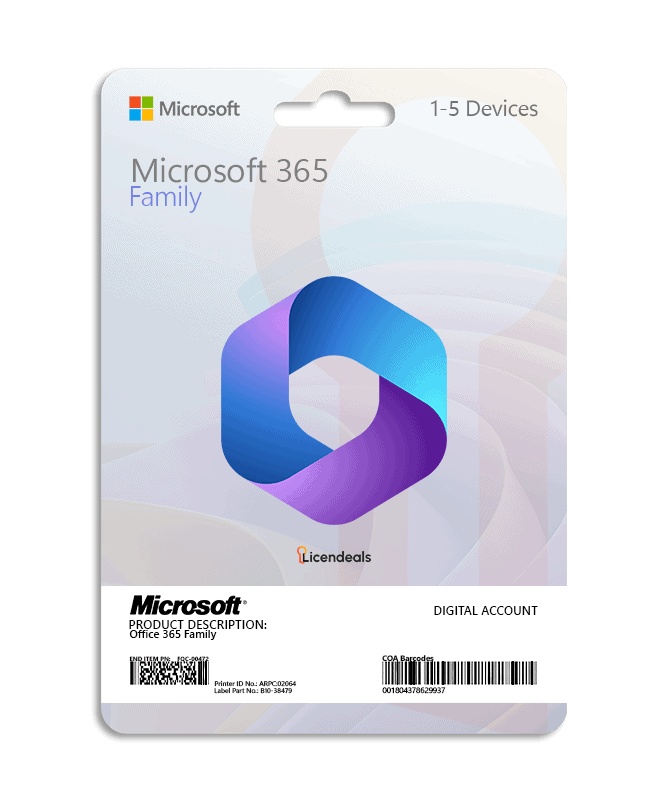
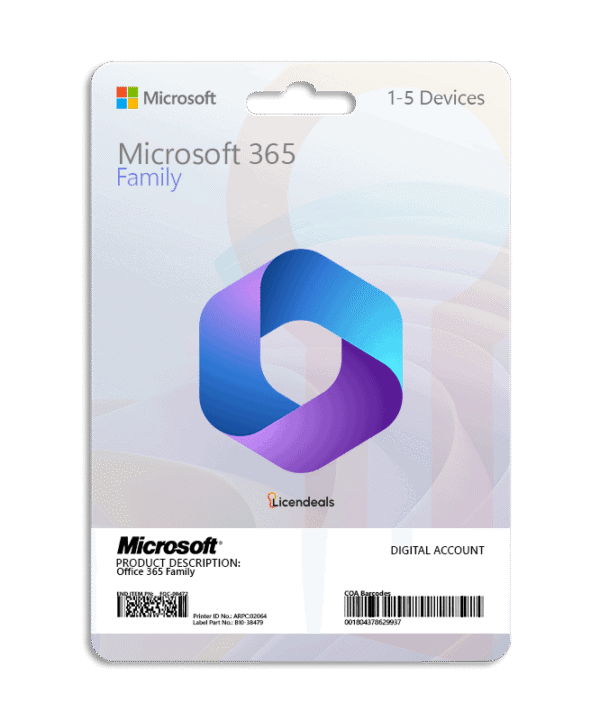
Microsoft Office 365 Family – Digital Account
BUY OFFICE 365 FAMILY ACCOUNT, DELIVERED BY EMAIL. THIS PRODUCT IS COVERED FOR THE FULL LENGTH OF YOUR PLAN, WITH SUPPORT INCLUDED
This account allows you to use Office 365 Family on your PC, Mac, tablet or mobile. Buy now and your Office 365 Family account is delivered by email. Activation of this account is done when you log in for the first time.
This Office 365 Family account allows you to use all Office applications anywhere. We offer an affordable price, and this product is covered for the full length of your plan.
Important Information:
- This is not a license, but an account (email and password) that has the same validity. The account is activated when you log in for the first time.
- You will not be able to change the email.
- The account is activated on the official Microsoft site https://www.office.com
- The account is valid to install all Office 365 applications on: 5 Computers or Macs, 5 Tablets or 5 Smartphones.
- 1TB OneDrive, storage is unstable. We recommend that you save your important files outside this storage.
- Outlook included, works with the default mail.
- This account includes a 1-year subscription to Office 365.
- Direct updates from Microsoft and downloads from the official site.
- Access to Microsoft Office online, includes all applications.
- Download all Office 365 applications and use them on your computer.
- You can change your account password at any time.
- IF YOU FORGET YOUR PASSWORD, YOU WILL LOSE YOUR ACCOUNT. There is no way to recover your password, so don’t forget it!
IMPORTANT: This is an account, not a license.
Watch the video
This video is on YouTube (Google). Nothing loads from YouTube until you press play. By pressing play, you agree that YouTube uses cookies and receives your IP address. YouTube uses them to play the video and for its own purposes, such as counting views, security and ads. If you prefer not to, you can follow the written steps on this page instead. See our Privacy Policy and the Google Privacy Policy.
Activate your Office 365 account
IMPORTANT: When Microsoft asks you to change the password, keep the new one in a safe place. If you forget it, there is no way to access or recover the account, and lost passwords are not covered by the warranty.
After receiving your account details by email, follow these steps:
- First, uninstall any other version of Office from your computer: see how.
- Go to login.microsoftonline.com and sign in with the email and password from your order email.
- Microsoft asks you to change the password: create a new one and click Sign in.
- Click More apps, then Install apps > Microsoft 365 apps.
- Select View apps and devices and click Install Office to download the installer.
- Run the file you downloaded, click Yes and wait until you see You're all set. Then click Close.
- Open Word. If your account appears, click Continue; if not, click Change account and sign in with your email and new password.
- When asked to sign in to all apps on this device, choose No, this app only. Office 365 is now activated.
Watch the video and see every step with screenshots in our guide: How to Install and Activate Office 365 on Windows.
Download from your Office 365 account
You don't need a product key: you install the apps from the account you receive from us.
- Go to office.com and sign in with the email and password you receive. Change the password when asked and keep it somewhere safe: if you forget it, the account can't be recovered.
- On the home page, click Install and then Install Microsoft 365 apps.
- Run the file you downloaded. Office installs and activates with your account.
Do it on the computer where you want to use Office: Microsoft gives you the Windows or the Mac installer.
For Windows:
• Operating system: Windows 11 (on Windows 10, Microsoft 365 gets only security updates, until October 10, 2028)
• Account for: 5 Devices
• Processor: 1.6 GHz or faster, 2-core
• Architecture: 64 Bit or 32 Bit
• Minimum RAM: 2 GB (32-bit) / 4 GB (64-bit)
• Minimum HDD: 4 GB
• Display: 1280 x 768 or higher
• Required connectivity: Internet access and a Microsoft account
• Graphics: DirectX 9 or later for graphics hardware acceleration
For Mac:
• Operating system: macOS 14 Sonoma or later. Office for Mac is supported on the three most recent versions of macOS: when a new version of macOS comes out, Microsoft drops the oldest one.
• Account for: 5 Devices
• Processor: Intel processor or Apple silicon
• Minimum RAM: 4 GB
• Minimum HDD: 10 GB
• Display: 1280 x 800 or higher
• Required connectivity: Internet access and a Microsoft account
* iOS and Android require separate app installation.
 Genuine software, guaranteedDelivered by email, with 24/7 support.

 WordCreate, edit and share documents.
 ExcelSpreadsheets to organize, analyze and chart your data.
 PowerPointDesign and deliver presentations.
 OutlookEmail, calendar and contacts in one place.
 OneNoteA digital notebook for notes, ideas and lists.
 AccessBuild databases and simple business apps.
 PublisherLay out flyers, brochures and newsletters.










 Office for PC
 Office for Mac
 Windows Server
 SQL Server
 Office Apps
 Visual Studio

Grant Shepherd –
Thankful for the speed and professionalism
Seth Howard –
Fast, reliable, and attentive. Excellent.
Penelope Powell –
Very happy with the process, everything worked.
Travis Barker –
Very smooth purchase, no issues along the way
Evelyn Brooks –
I appreciate how clear the instructions were and how fast the delivery came through. The support team also checked in afterward to ensure everything worked properly, which made the experience feel very reliable.
Tariq Al-Masri –
The service was fast and reliable. The support team was patient and made activation incredibly easy. Everything worked perfectly.
Beatriz Ramos –
I’m very pleased with the service. The key arrived instantly, and support was very competent and supportive throughout.
Lily Green –
I had a good experience shopping at this online store. Customer support was always available when I purchased my account.
Riley Butler –
I really liked how intuitive the checkout process was. Activation was smooth, and I had no trouble getting my software started immediately.
Kenji Nakamura –
This website made digital purchasing easy, installation worked perfectly, and customer support answered quickly.
Amanda Pierce –
I felt supported throughout the buying process. The interface is intuitive, and customer support responded quickly with clear and helpful answers.
Kenji Sato –
I appreciate how straightforward everything is on this site. The intuitive design makes purchasing easy, and customer support responds rapidly with accurate information.
Mei Lin –
Cuando el enlace de descarga no funcionó correctamente, el soporte técnico envió inmediatamente una alternativa y confirmó que funcionaba. Su asistencia proactiva fue realmente excepcional.
David Kim –
Everything was fine with the purchase, but the activation screen never appeared after installation. Support explained where to find it inside the settings menu. Once I entered the key there, the software activated successfully.
Pedro Ramirez –
A delay made me think the activation had failed. Support checked the system and confirmed that it had actually completed successfully.