November Special Offer - 5% OFF SITEWIDE!
Use code:
Valid until Nov 30
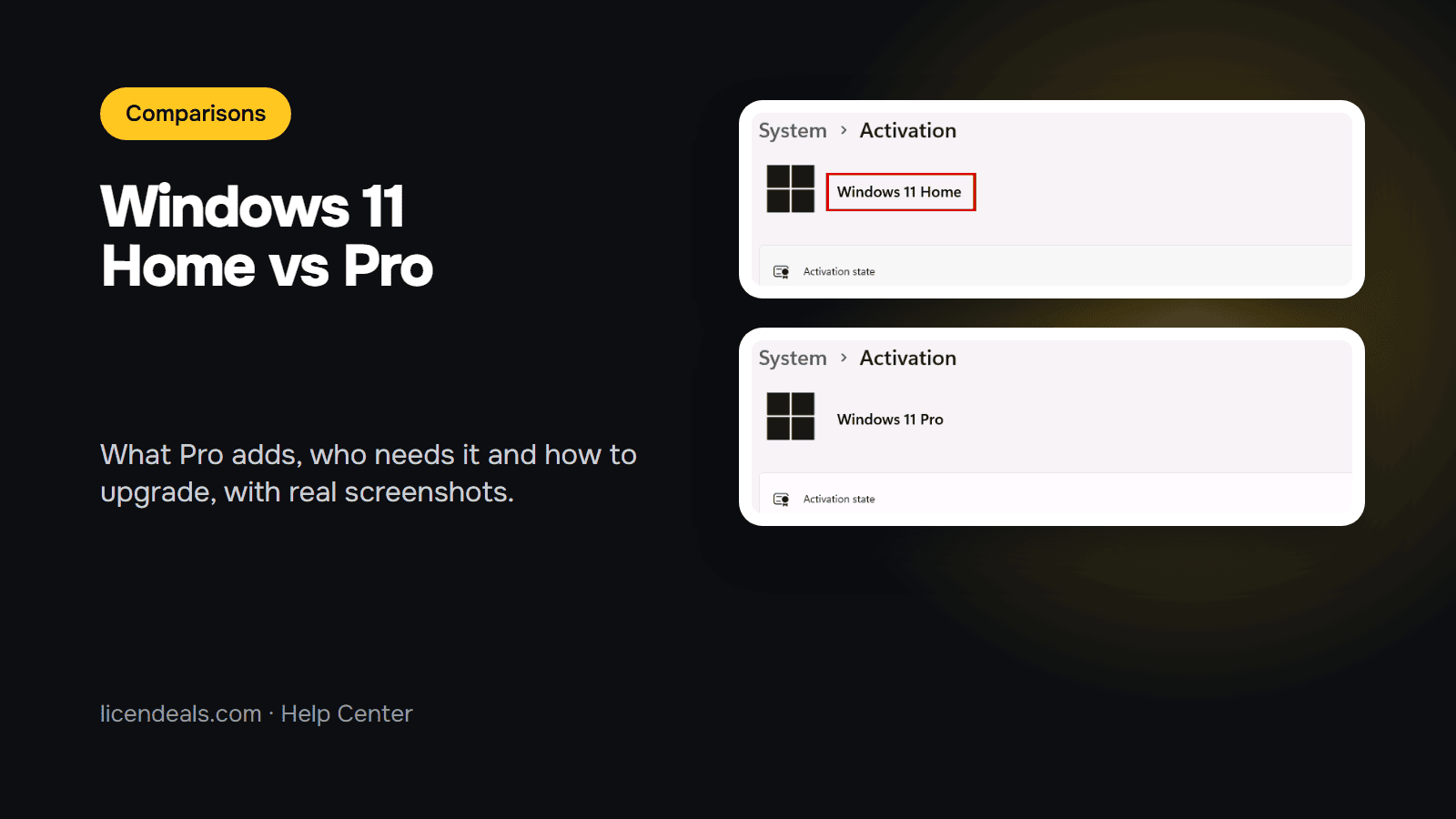
Windows 11 Home vs Pro: is Pro worth it? It is worth it if you need one of a short list of features that Home does not have, such as BitLocker drive encryption, hosting Remote Desktop connections, Hyper-V virtual machines or joining a work domain. If you don't need any of them, Home does the everyday job. This guide lists the differences that Microsoft documents, so you can decide before you buy or upgrade.
IMPORTANT: this is a comparison based on Microsoft's own pages (read on 2026-11-12). We did not benchmark both editions, so we say nothing about speed, and the list below is not complete. Microsoft can change what each edition includes, so check its pages before you decide.
1.1 Choose Windows 11 Home if you use your computer for browsing, study, streaming and office work, and you don't need the features in section 2.
1.2 Choose Windows 11 Pro if you want to connect to your computer from another place with Remote Desktop, run virtual machines with Hyper-V, join it to a company domain with Group Policy or turn on BitLocker.
2.1 BitLocker. Microsoft's BitLocker page lists Windows Pro, Enterprise and Education as the editions where you can enable BitLocker. Home is not in that list. Home does have device encryption, which Microsoft describes as available on all Windows versions, but with requirements of its own.
2.2 Remote Desktop host. Microsoft says the computer you connect to must run the Pro edition of Windows. The computer you connect from can run any edition, Home or Pro. So a Home PC can connect to other computers, but it can't be the one you reach from outside.
2.3 Hyper-V. Microsoft says the Hyper-V role can't be installed on Windows 11 Home. It lists Windows 11 Pro or Enterprise as the supported editions.
2.4 Group Policy, domain join and Assigned Access. Microsoft's Windows 11 comparison page names Windows 11 Pro for domain join with Group Policy (when paired with Windows Server) and for Assigned Access.
3.1 Both are Windows 11. Device encryption is available in both, within its own requirements (see 2.1). And both are sold at Licendeals as a RETAIL License for 1 PC, delivered by email.
4.1 Open Settings, then System, then Activation. The edition name is at the top of the page. This is how it looked on our test computer, with Windows 11 Home (taken offline, so it shows a connection message).
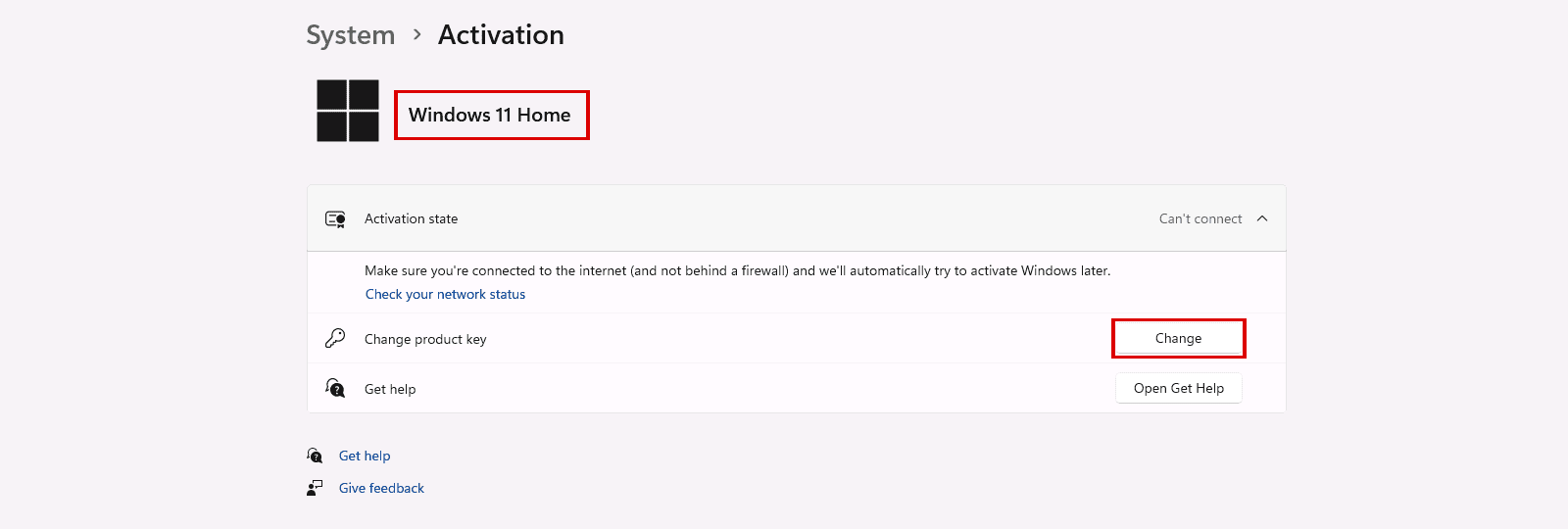
5.1 As our upgrade guide explains, you don't need to reinstall Windows. You change the edition from the same Activation page and then activate Windows with your Windows 11 Pro product key. In our test, after the upgrade the page showed "Windows 11 Pro". We took these two screenshots with the computer offline, as our upgrade guide says, so the pages show a connection message.
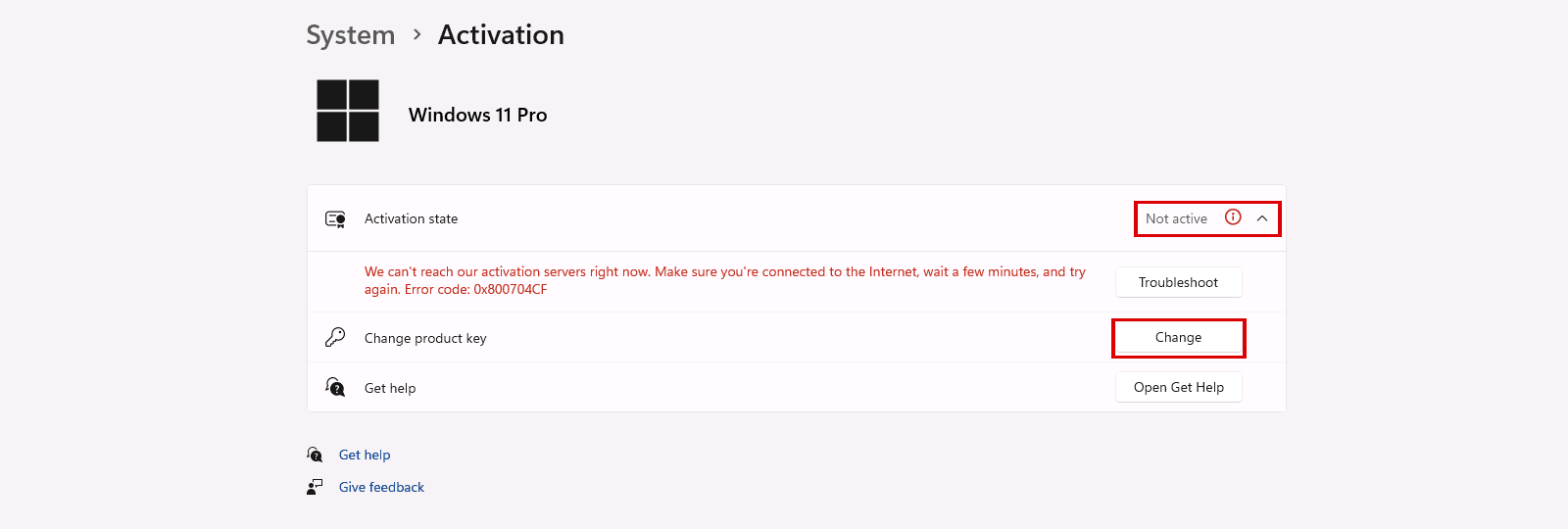
5.2 Follow our step-by-step guide on how to upgrade Windows 11 Home to Pro.
5.3 Two limits to know before you buy. First, our Windows Pro licenses don't work to upgrade from Windows 11 Home Single Language. Second, a Windows Professional OEM License is not the right type for this upgrade: choose Windows Professional with a RETAIL License. Read the license type on the product page before you pay.
{n} from {l} bought
{n} bought
Someone from {l} bought
Someone bought
Just now
1 minute ago
2 minutes ago
1 hour ago
2 hours ago
1 day ago
2 days ago
Close


 Windows
 Office for PC
 Office for Mac
 Windows Server
 SQL Server
 Office Apps
 Visual Studio

